Find About, Privacy and Terms on Circin Canvas
Read Circin's About page, Privacy Policy and Terms of Service on the classroom board itself — bundled in the app, so they open with no network and no sign-in.
Updated
School Admin
Staff
Teacher
Circin's About page, Privacy Policy and Terms of Service are readable on the board itself, without pairing and without a network connection. They are bundled inside the app, because the person looking for a policy is often standing at an unpaired panel that has no browser.
Where do I find them?
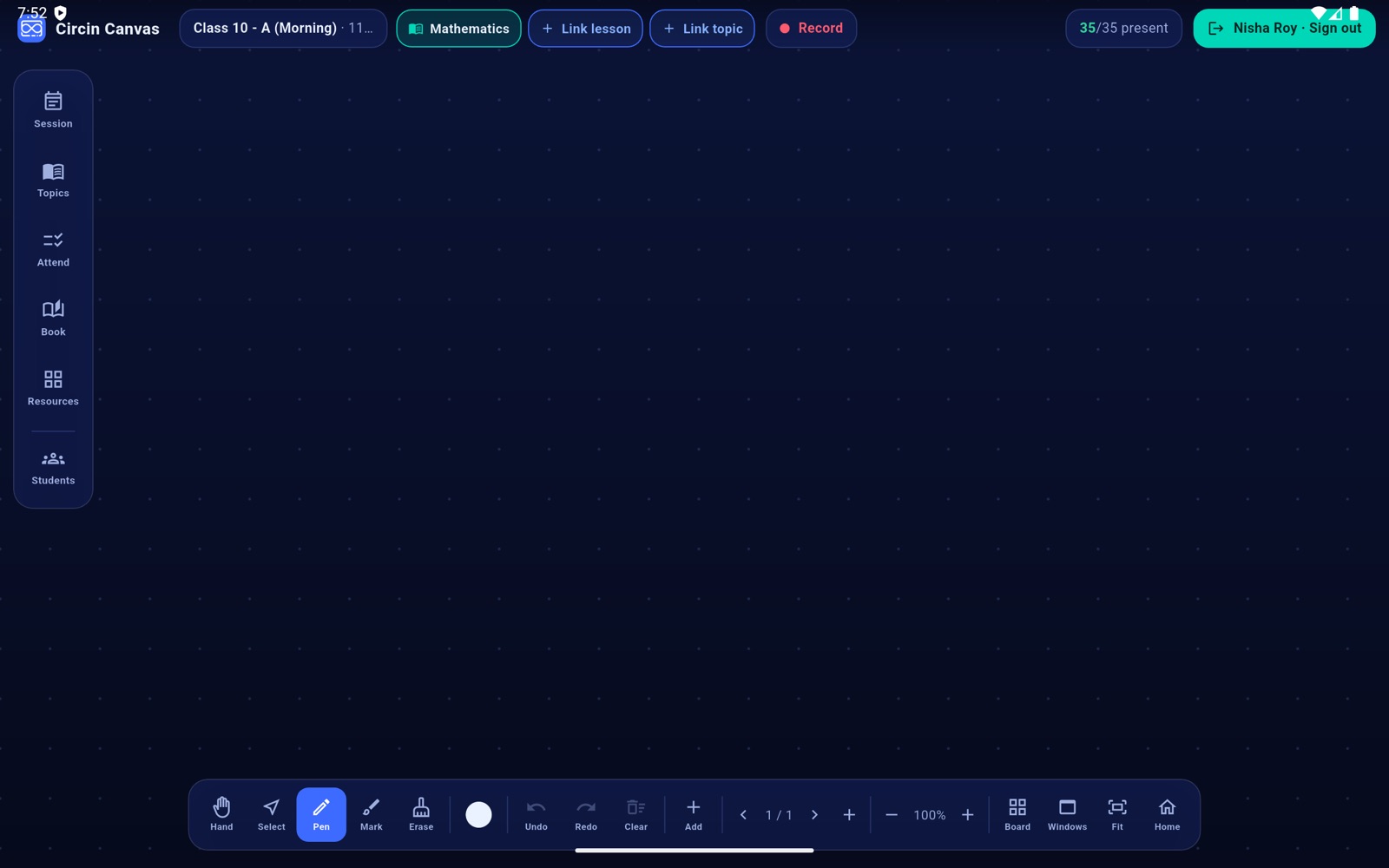
- Tap the Circin Canvas logo and wordmark at the far left of the top bar.
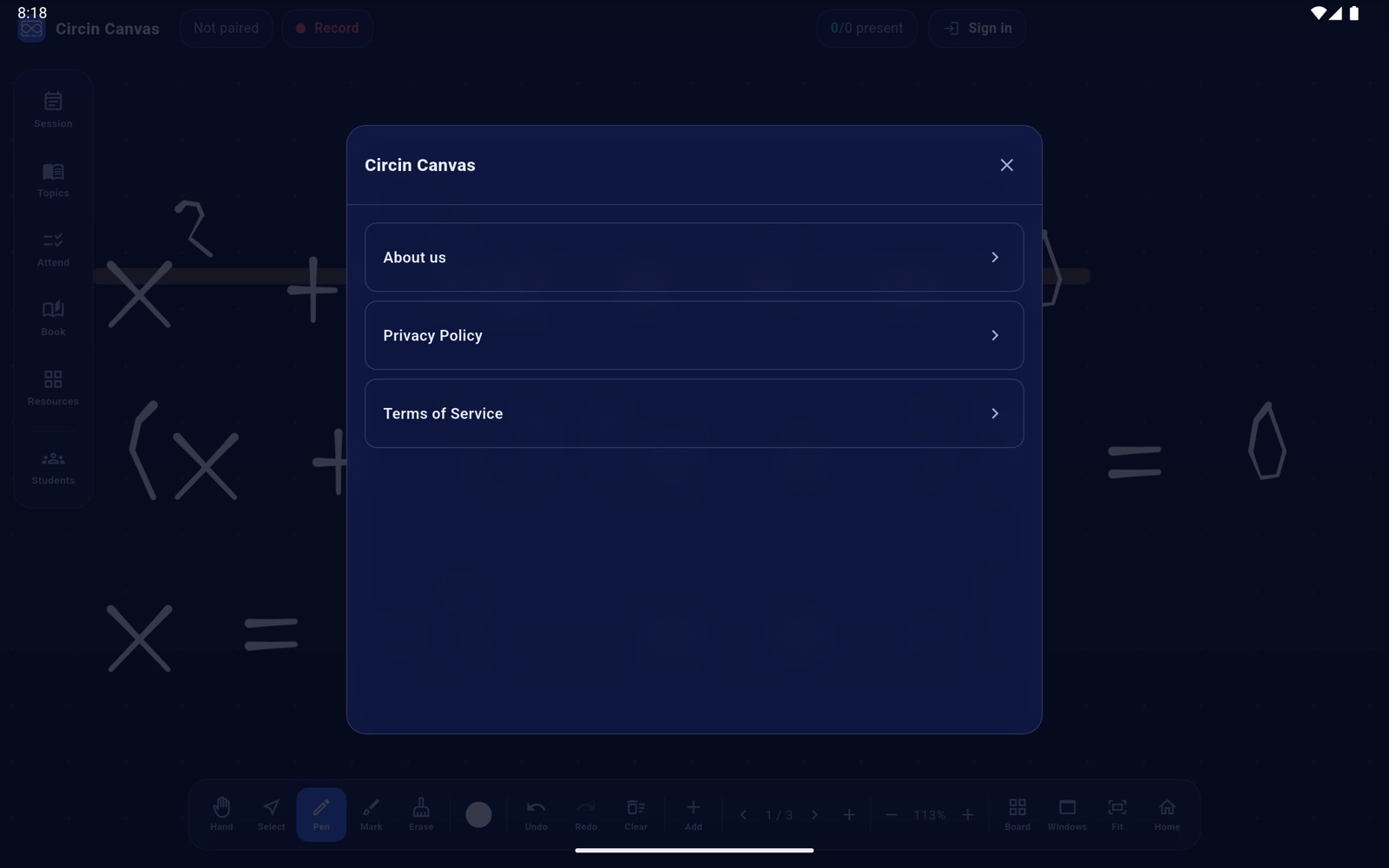
- A panel opens listing About us, Privacy Policy and Terms of Service.
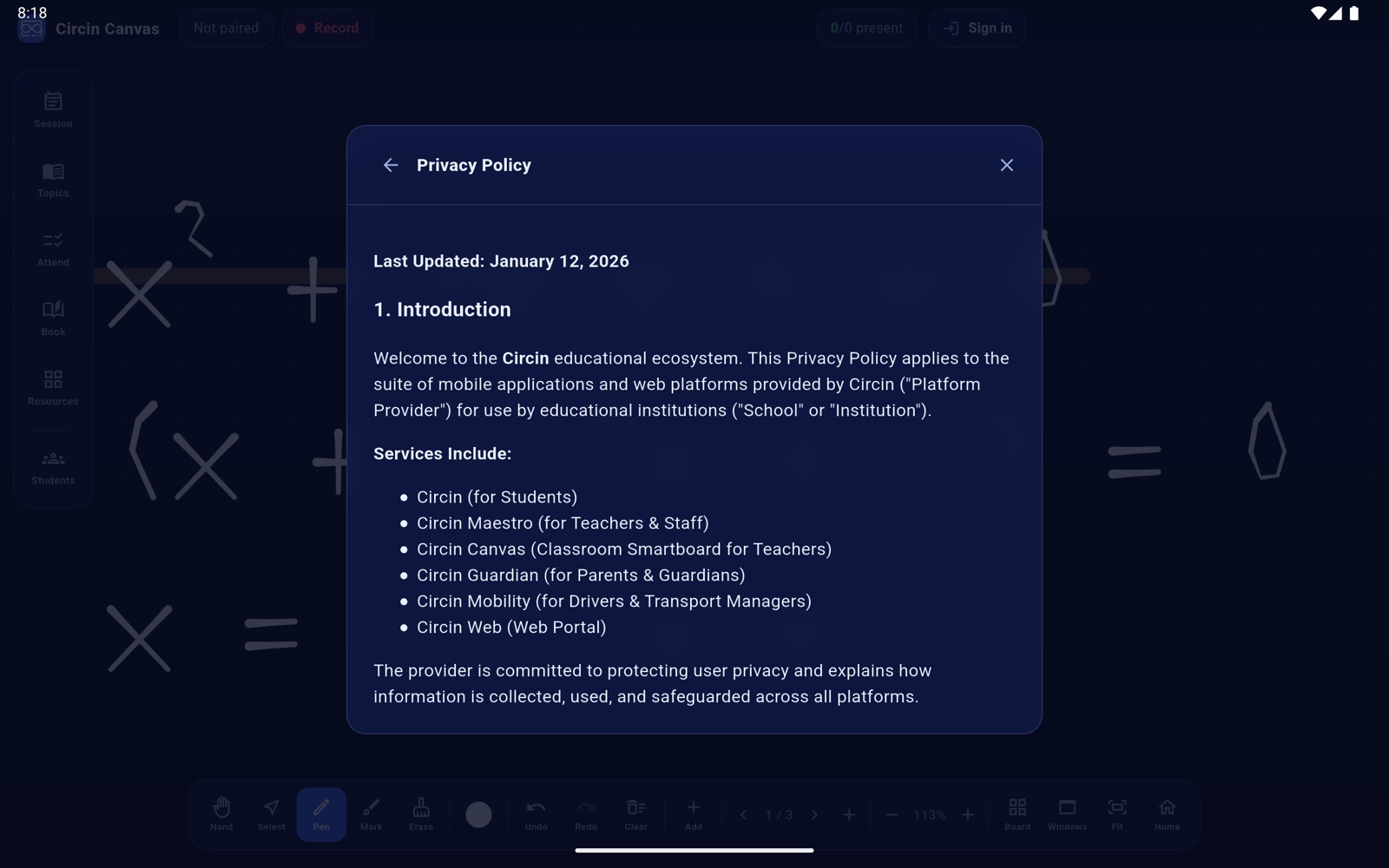
- Tap one to read it in the same panel. ← returns to the list and ✕ closes the panel.
Rules and gotchas
- The documents ship with the app, so they open offline and on a panel that has never been paired.
- This document could not be loaded. means the app package is faulty, not that the network is down. Report it to us and we will reinstall the panel.
- Along with the board-surface picker, this is the only settings-like screen in the app. Circin Canvas has no preferences screen, no account screen and no language setting — the board's interface is English.
The same policies are published on the Circin website if you would rather read them on a phone or a laptop.