Take attendance from Circin Canvas
Mark today's attendance on the classroom board in three taps — All present, flip the exceptions, Save. It writes to the same register as the admin panel.
Updated
Also on Admin Panel: Take attendance Circin Maestro: Take attendance in Circin Maestro
You can mark today's attendance on the board while the class settles, without picking up a phone. It writes to the same daily register the admin panel reads, so the day appears in the parents' and students' apps the moment you save.
How do I mark attendance on the board?
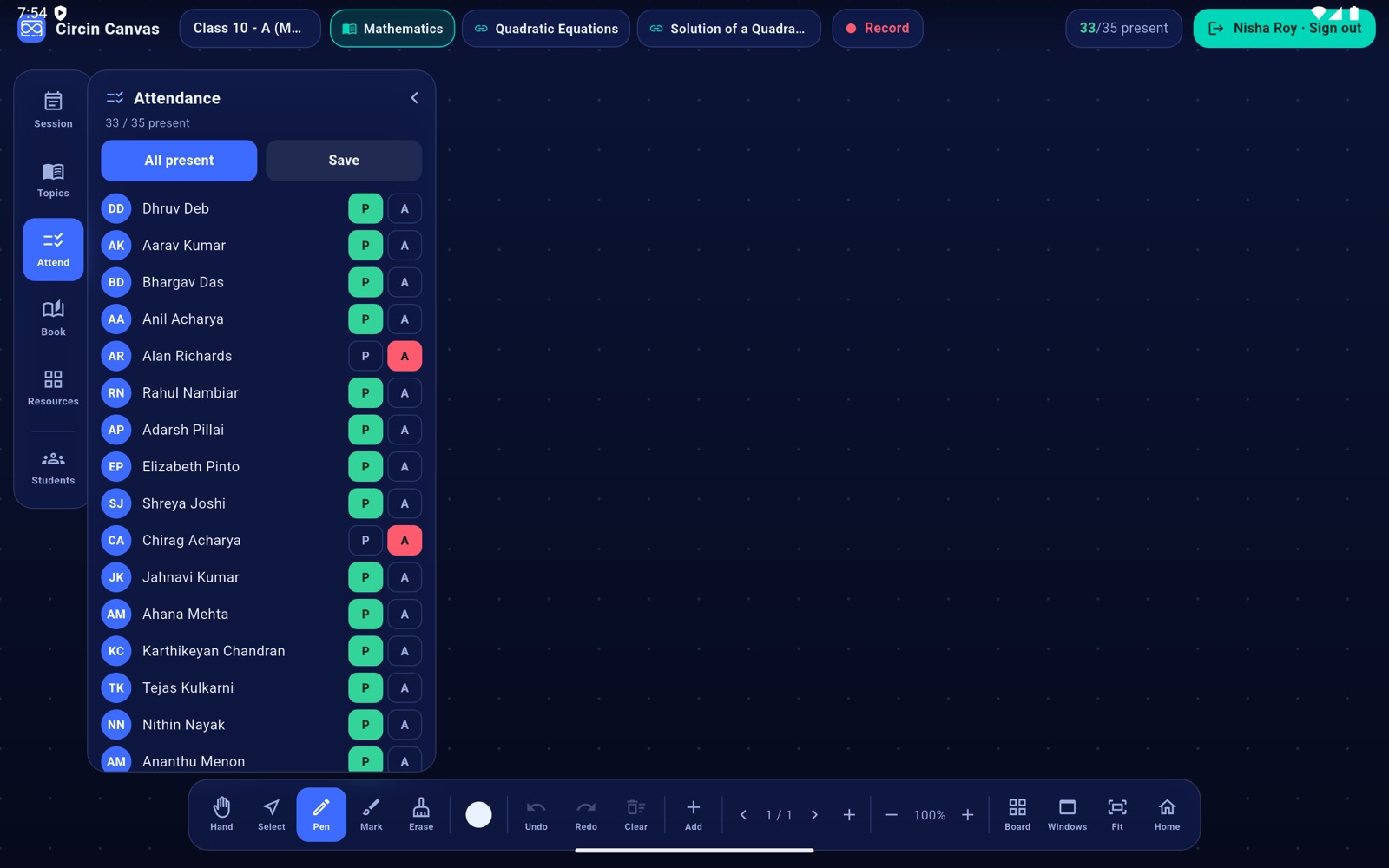
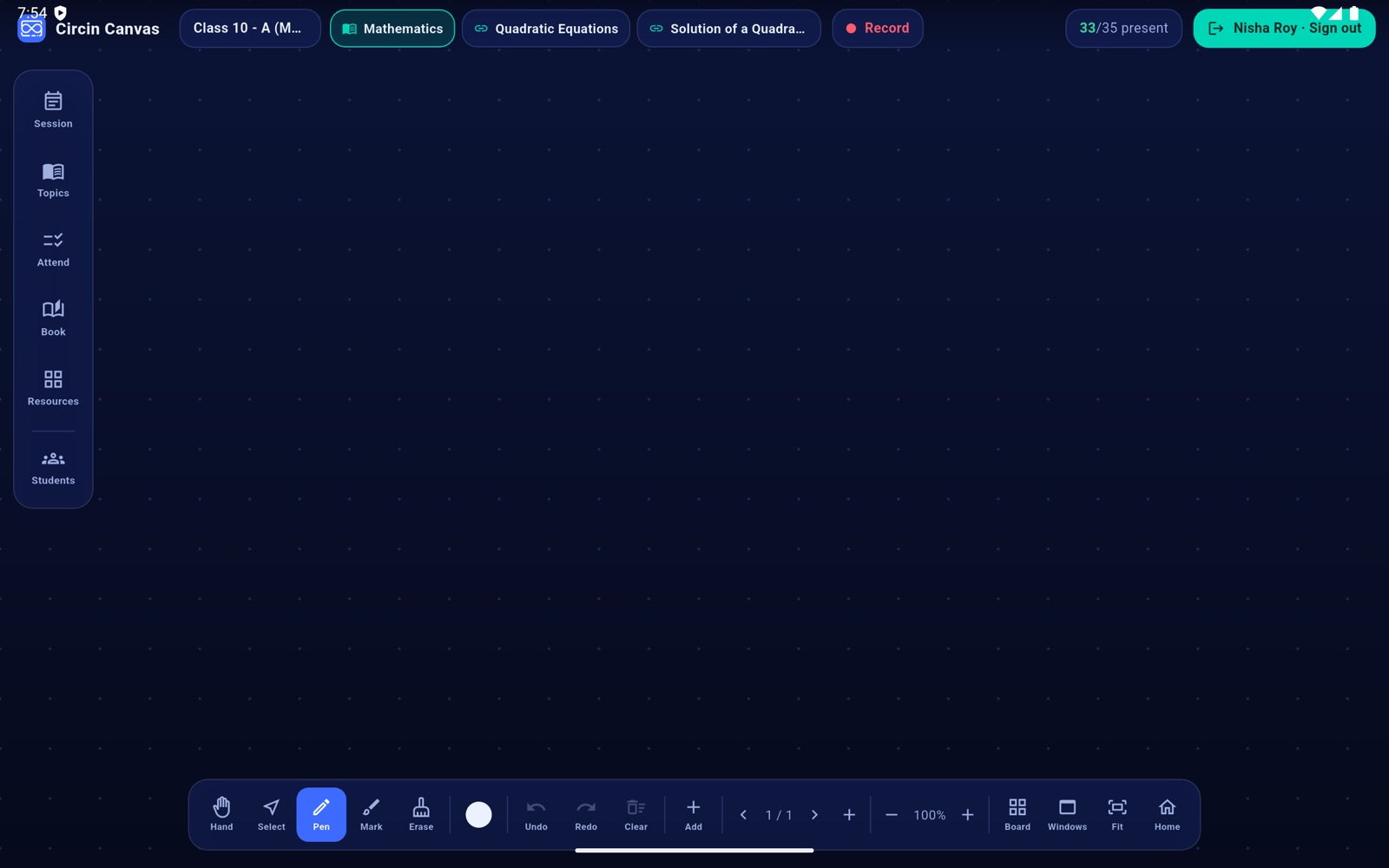
- Tap Attend on the left rail. The panel header's subtitle reads N / M present.
- Tap All present to mark the whole class in one go — it is the main button — then flip the exceptions.
- For each student row, tap P for present or A for absent. The N/M present counter in the top bar updates as you go.
- Tap Save. It reads Saving…, then confirms Attendance saved ✓.
Rules and gotchas
- The roster and any marks already recorded for today load from the backend when you pair the board. Where today has not been recorded, every student starts present.
- Attendance is stored against the class section and the date. It is not tied to the subject or to the teaching session, so marking it once in the day is enough.
- The board saves today's date in IST, whatever the panel's own clock says.
- Errors name the cause: Pair with a class first, No students to save, Attendance save failed. An empty roster shows No students in this class.
The board marks the day; the register, the month grid and any correction live in the admin panel. See Take attendance for the web flow and the monthly register.