Generate study materials from what you just taught
Turn the recording and your board writing into a summary, quiz questions and flashcards for the class you just taught, from Circin Canvas.
Updated
Teacher
Also on Circin Maestro: Generate study materials in Circin Maestro
After the period, Circin Canvas can turn what you said and what you wrote into a summary, quiz questions and flashcards, saved to the session for the students of that class and subject.
How do I generate study materials?
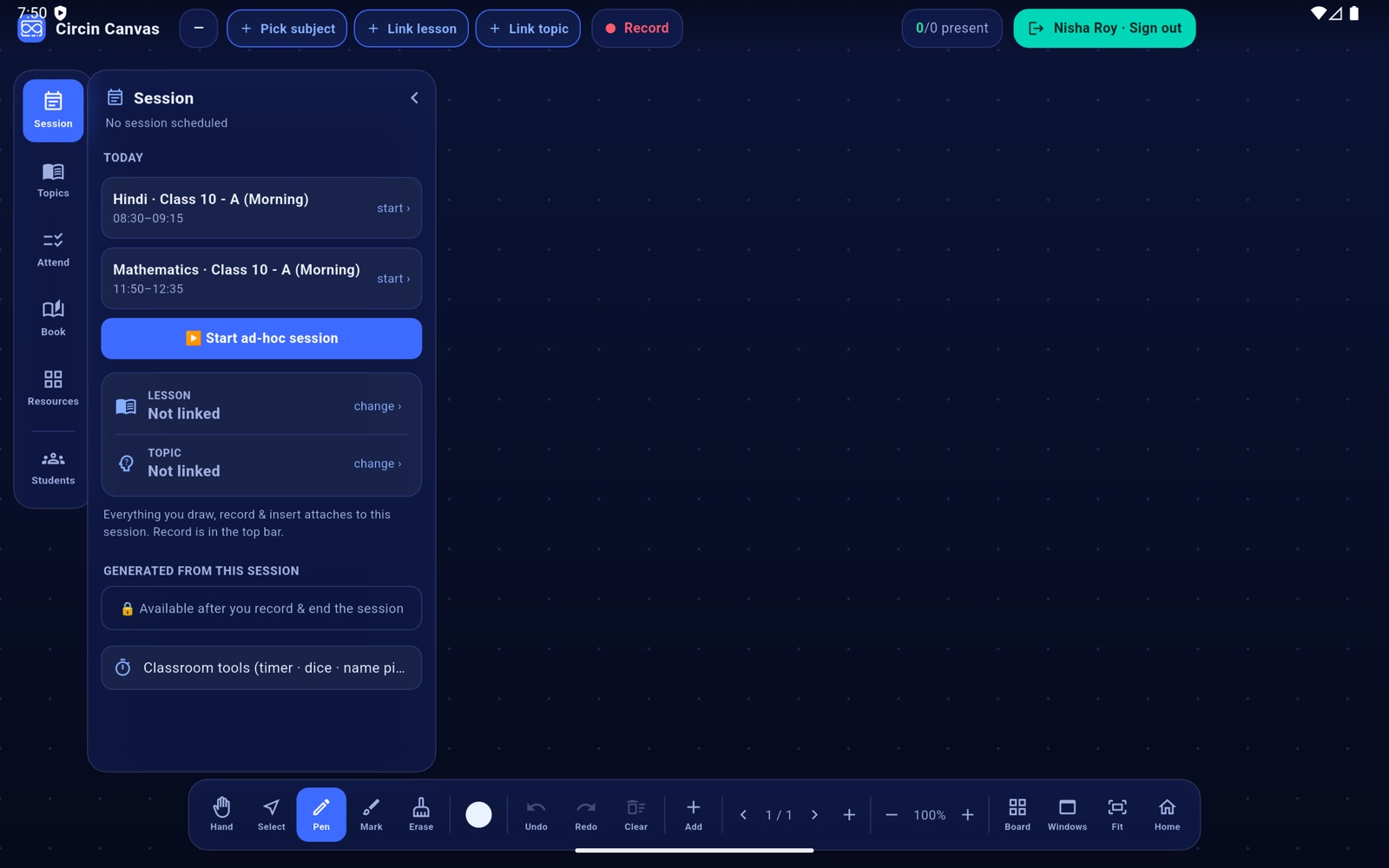
- Record the lesson and end the session. Until you do, the section shows 🔒 Available after you record & end the session.
- Open Session on the left rail and tap ✨ Generate study materials.
- It takes a while, and the board says so: Generating study materials… this takes 30–90s, with the button reading Generating… (30–90s).
- When it finishes you get Study materials ready ✓ and a viewer opens with the title, a count of the quiz questions and flashcards, the summary, then the QUIZ and FLASHCARDS lists.
- Reopen it later from View materials (summary · quiz · flashcards), or run it again with ✨ Regenerate materials.
Rules and gotchas
- Before generating, the board reads your handwriting on every page and adds it to the transcript, so the summary reflects the board as well as what you said.
- There is a floor on the input. Below it you get Not enough yet with the character count and needs ≥ 2000 from speech + board notes — a two-minute demonstration will not clear it.
- The button locks for the whole run, so a second tap cannot start a second generation.
- If generation succeeds but the save does not, the board tells you plainly: Generated, but saving to the session failed. A failed run reads Generation failed.
- The board's viewer shows the summary, quiz and flashcards. Where a mind map or slides were produced they are counted in the header but not displayed here.
The board is class-facing, so the quiz answers are on screen in front of everyone. Reviewing and publishing the materials is meant to be done in Circin Maestro, away from the room.