See your badges, rewards and statistics in Circin
Fifteen badges to unlock, scratch cards that pay out the coins they earn, and a statistics screen counting your questions and battles.
Updated
Badges, rewards and statistics hang off your profile: tap your avatar in the top right, then the row you want.
What badges can I earn?
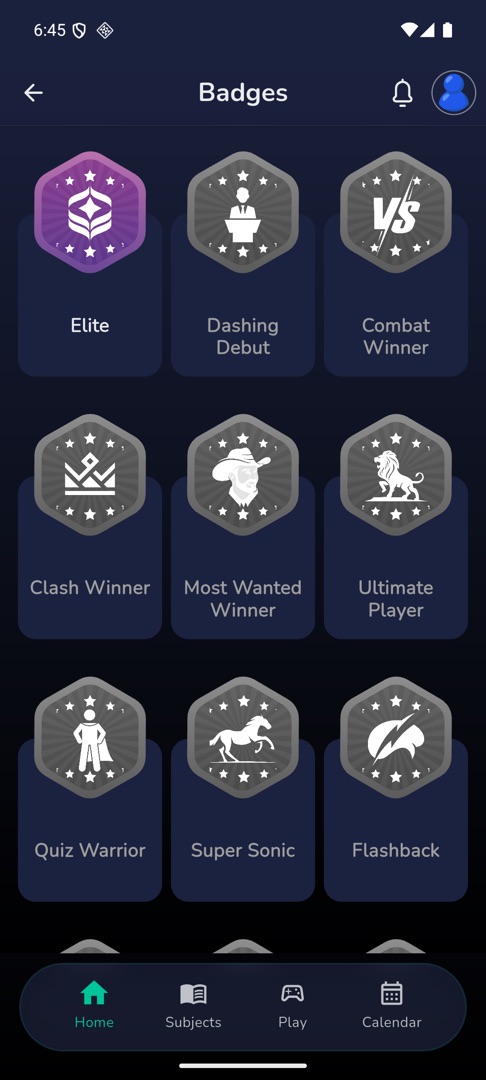
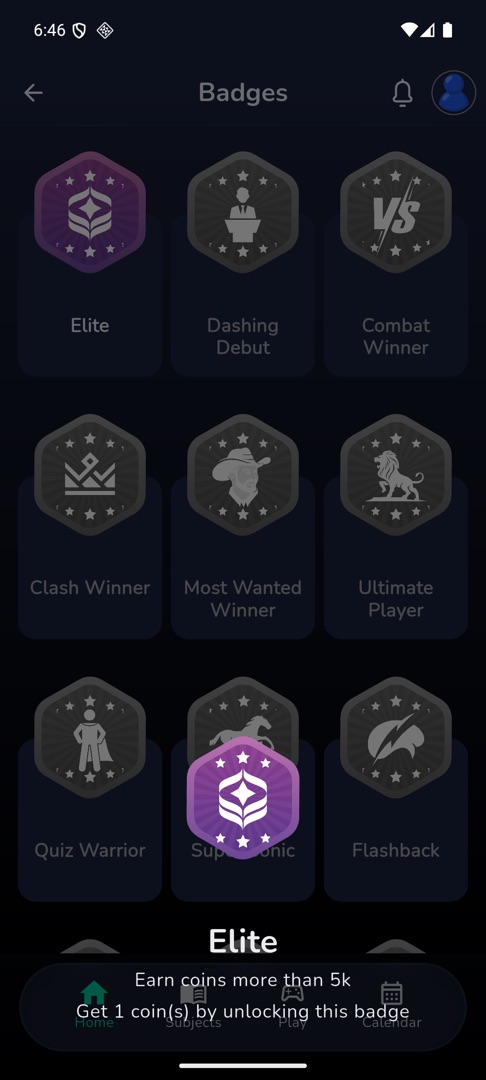
Tap Badges. Unlocked badges come first, locked ones are greyed out. Tap one to see what it takes to earn it; each sheet ends with "Get {n} coin(s) by unlocking this badge".
The fifteen are Big Thing (5,000 correct answers) · Brainiac (finish a quiz using no lifeline) · Clash Winner (win a group battle) · Combat Winner (win a random battle) · Dashing Debut (play your first Quiz Zone game) · Elite (earn over 5,000 coins) · Flashback (a fast average on Fun 'N' Learn) · Most Wanted Winner (win a contest) · Power Elite (more than ten badges) · Quiz Warrior (three random battles won in a row) · Sharing is Caring (share the app widely) · Streak (a 30-day streak) · Super Sonic (fastest solver) · Thirty (30 days of Daily Quiz) · Ultimate Player (highest points).
A locked Big Thing also shows progress: "Need more {n} correct answer to unlock".
How do I claim the coins a badge earned?
Unlocking a badge does not credit its coins — you scratch for them.
- Open your profile and tap Rewards. A large figure shows "{n} Coins" over "Total Rewards Earned".
- Unclaimed rewards sit as covered scratch cards; claimed ones show their amount.
- Tap an unclaimed card. The full-screen card reads "Scratch Here!"
- Drag a finger across it. At about halfway it reveals itself and shows the coins.
- Tap back. The coins are credited and the card is marked claimed.
Backing out mid-scratch reveals the card and only exits on a second back, so you cannot lose a reward by leaving. With nothing waiting: "No Rewards".
What do my statistics show?
Tap Statistics. Collected Badges shows up to four unlocked badges, with View all past four. Question Details is a donut of Total, Correct and Incorrect, and Battle Statistics counts Total, Won, Lost and Draw.
The badge block stays hidden until your first badge. With no play history the screen reads "No Statistics Available" and "Let your brilliance shine! Participate in the quiz." with a Play and a Home button.