Play a random battle in Circin
Synapse Duel matches you against another learner for a coin stake. What the entry card shows, what happens when nobody joins, and how to chat mid-match.
Updated
Synapse Duel puts you against another learner over the same questions, with coins staked on the result.
How do I start a random battle?
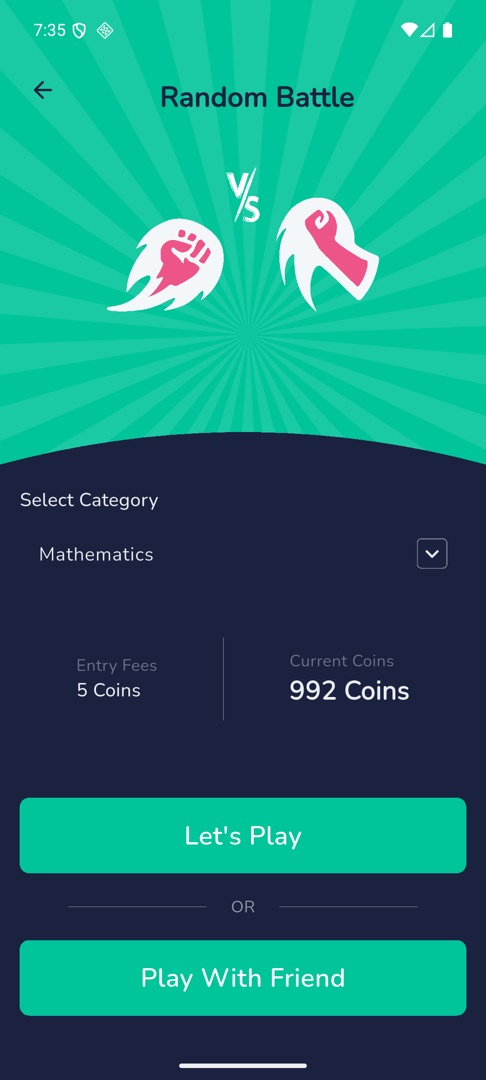
- On Home, scroll to "Play & compete" and tap Synapse Duel. The "Random Battle" screen opens over a VS graphic.
- Pick a category under Select Category, if your school enabled categories.
- A card compares the Entry Fees against your Current Coins.
- Tap Let's Play.
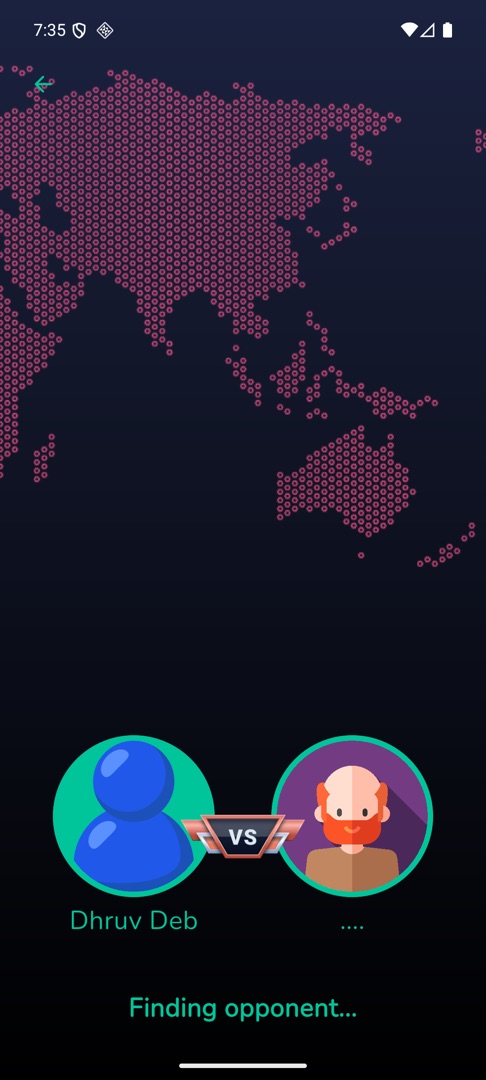
- The matchmaking screen shows "Finding opponent..." over an animated map.
- When someone is found: "Found opponent", then "Get Ready For Battle", a 3-2-1 countdown, "Best Of Luck", and the battle starts.
- The result reads Victory, Defeat or MATCH DRAW.
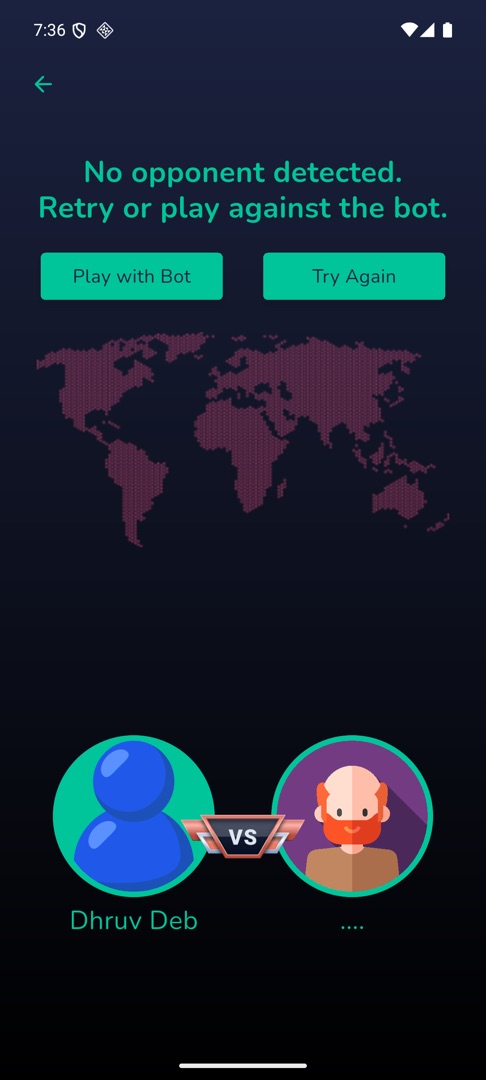
What if nobody joins?
You get "No opponent detected. Retry or play against the bot." with Play with Bot and Try Again. Play with Bot shows "Battle Begins..." and seats an opponent called Robot.
Can I say something during the match?
Tap the speech-bubble icon in the app bar. A panel slides in from the right with two segments — Messages, a list of ready-made lines, and Emojis, a grid. Tap one to send it and the panel closes; what you sent floats as a bubble over the other player's avatar. Everything sent is deleted when the match ends. The icon is hidden in a bot match.
Rules and gotchas
- You cannot start without the entry fee in coins.
- Leaving Circin while it is searching cancels the search and closes the room. Stay on the screen until you are matched.
- There are no lifelines in any battle, and no answer review afterwards.
- If your opponent quits you get "You won" and "Opponent left the game"; if you quit, "You left the game".
- Play With Friend, under the OR divider, is the room-code route — see Create or join a battle room.