Play the Daily Quiz, True / False and Math Mania in Circin
Three short games on the Circin Play tab, how each one starts, and what is different about them — one run a day, two options, typeset maths.
Updated
Three of the games on the Play tab are ordinary multiple-choice quizzes with one twist each.
Daily Quiz — one run a day
Tap Daily Quiz. There is no category or level to choose; the quiz opens straight away. Lifelines are available here, and you finish on "Daily Quiz Result".
Come back the same day and you get "Great job! You've already played today's Daily Quiz. Come back tomorrow for a new one." There is no retry button — the run is used up. When your school has nothing scheduled you get "No Daily Quiz available right now. Please check back later."
True / False — two options a question
Tap True / False and the quiz opens directly, again with no picker. Each question offers two options; tap one. You finish on "True False Quiz Result".
There are no lifelines in this mode, but you can still pay coins to Review Answers afterwards, and report a question from that review.
Math Mania — typeset maths
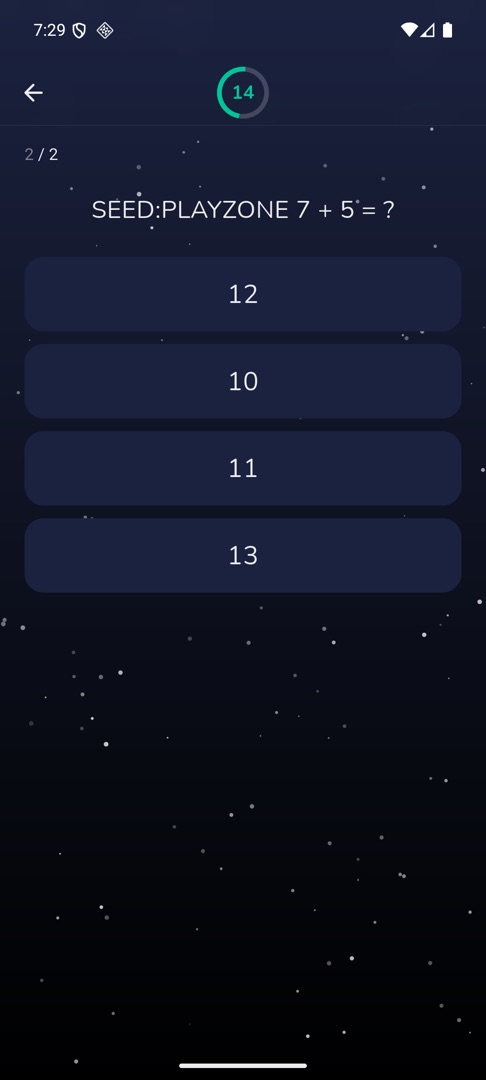
Tap Math Mania, then pick a category. Questions and options are typeset, so fractions, powers and symbols render properly rather than as plain text. Tap an option to answer, and you finish on "Math Mania Result".
No lifelines here either, and reviewing your answers costs coins as usual. The countdown behaves slightly differently in this mode than in the others, so do not assume the timing you are used to.

Rules and gotchas
- Each game only appears on the Play tab if your school has switched it on.
- All three end on the standard result screen, which has no Play Again button — see Read your quiz result.