Use a lifeline in a Circin quiz
Quiz Zone and the Daily Quiz give you four lifelines — 50/50, audience poll, timer reset and skip. Each costs coins and each works once per quiz.
Updated
Student
A row of up to four icon tiles sits near the bottom of the question in Quiz Zone and the Daily Quiz: 50/50, the audience poll, a timer reset and a skip. They are icons only, with no text labels.
How do I use one?
- Tap a tile during a question.
- Coins are deducted and the tile dims.
- The effect applies at once — two wrong options disappear, poll percentages appear across the options, the timer restarts, or the question is skipped.
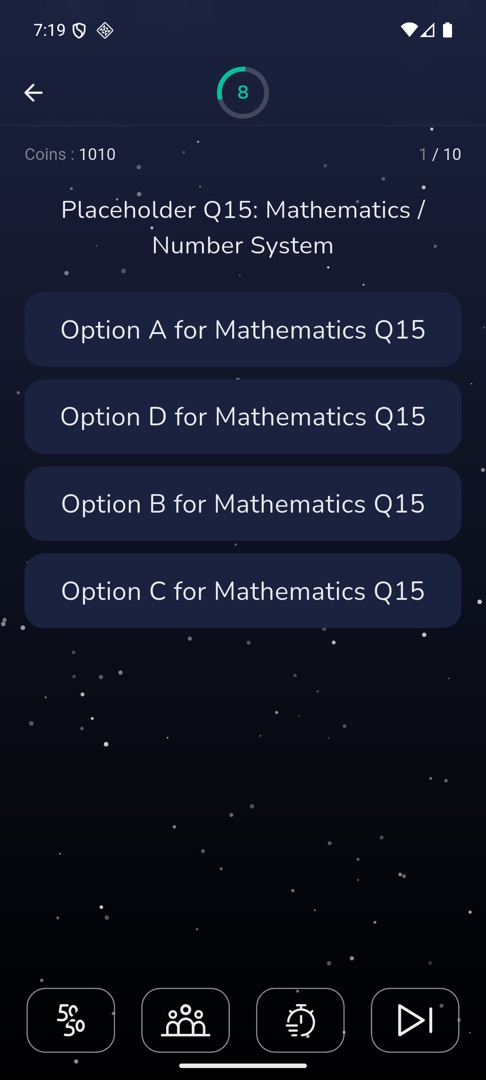
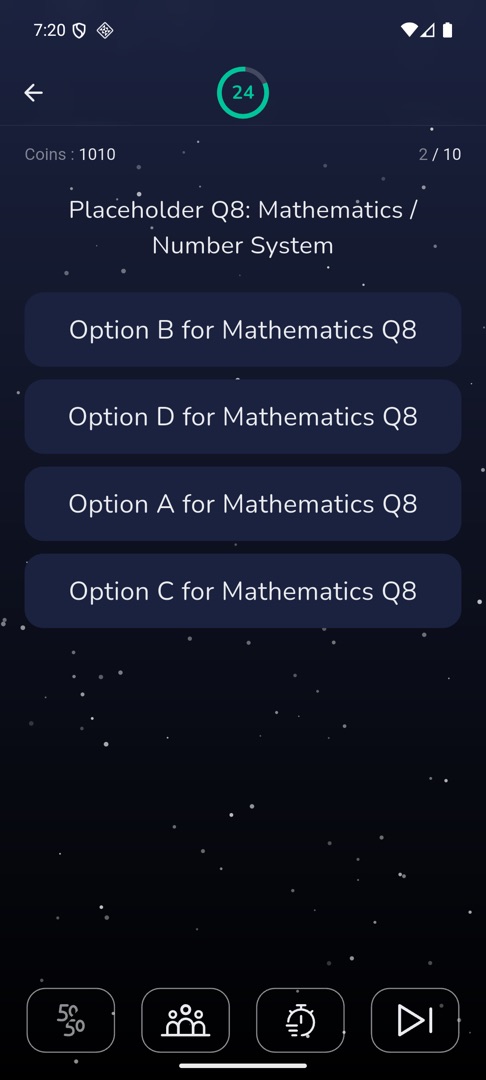
Rules and gotchas
- Lifelines exist only in Quiz Zone and the Daily Quiz. No other game has them, and no battle has them.
- Each lifeline works once per quiz, not once per question. Tapping a spent one shows "Already used this lifeline".
- 50/50 and the audience poll cancel each other out on the same question: you get "50/50 unavailable after Audience poll." or "Audience poll unavailable after 50/50."
- On a two-option question, 50/50 and the poll are hidden; forcing 50/50 shows "Not Available". Skip is hidden when the quiz has only one question.
- Each use costs coins, at a price your school sets. If you cannot afford one you get "Not enough coins" — there is no advert to watch for more, because Circin shows no adverts. Top up from the Coin Store instead: Track your coins and buy more.