Read your quiz result in Circin
What the score dial, the speed bonus and the coins on the Circin result screen mean — and why there is no Play Again button on it.
Updated
Student
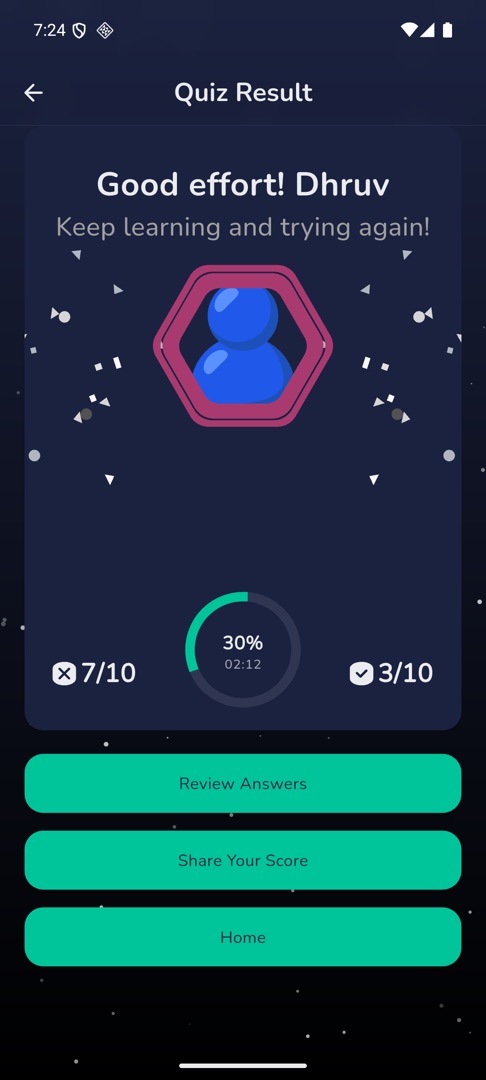
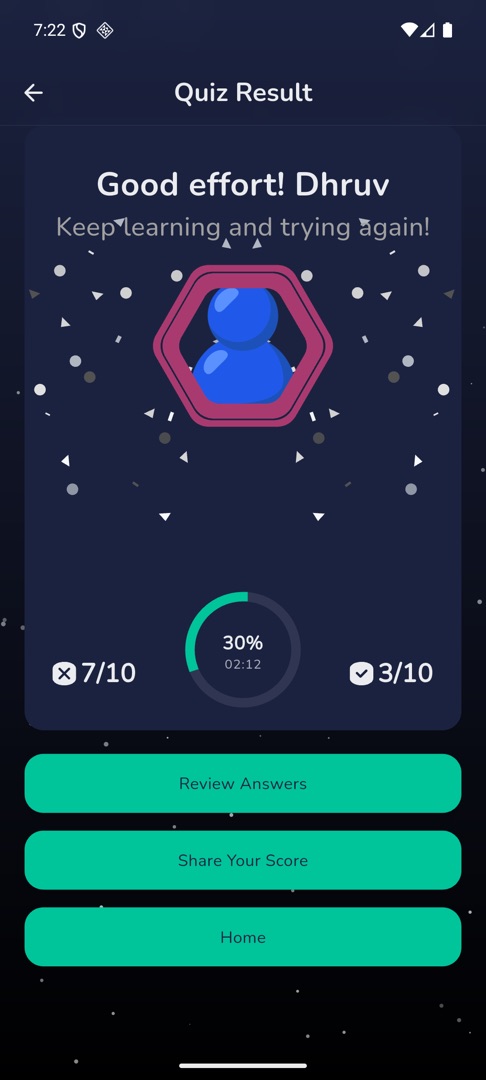
Every single-player game ends on the same result screen. The title names the game you played — Quiz Result, Daily Quiz Result, True False Quiz Result, Fun And Learn Result, Math Mania Result, Guess The Word Result, Self Challenge Result or Bookmark Quiz Result.
What does the result screen show?
- A card greets you by first name with a line picked from your score: "Good effort!", "Well done!", "Great job!", "Excellent work!" or "Wow, fantastic job!"
- A score dial sits above pills for Score, Speed Bonus and Correct Answers, with the Coins you won beside them. A winning score brings confetti.
- Below that: Review Answers where the game allows it, Share Your Score, and Home.
Rules and gotchas
- "Winning" a single-player quiz means beating the percentage your school set, not simply finishing it.
- There is no Play Again or Next Level button on this screen. To play a Quiz Zone level again, or to move to the next one, tap Home and walk back in through Play → Quiz Zone and the level list. MultiMatch is the exception — its own result screen does offer Play Again and Next Level.
- Share Your Score sends a picture of the result card with your referral code added to it.
- Review Answers costs coins and is charged once per result. See Review your answers and report a question.