Message a student, parent or colleague in Circin Maestro
Start a chat from the Circin Maestro Chat tab, attach a document or photo, and delete messages you sent.
Updated
Teacher
Class Teacher
Staff
The Chat tab is the app's direct line to a student, a guardian or a colleague. Teachers can reach all three audiences; office staff can reach parents and staff.
How do I start a chat?
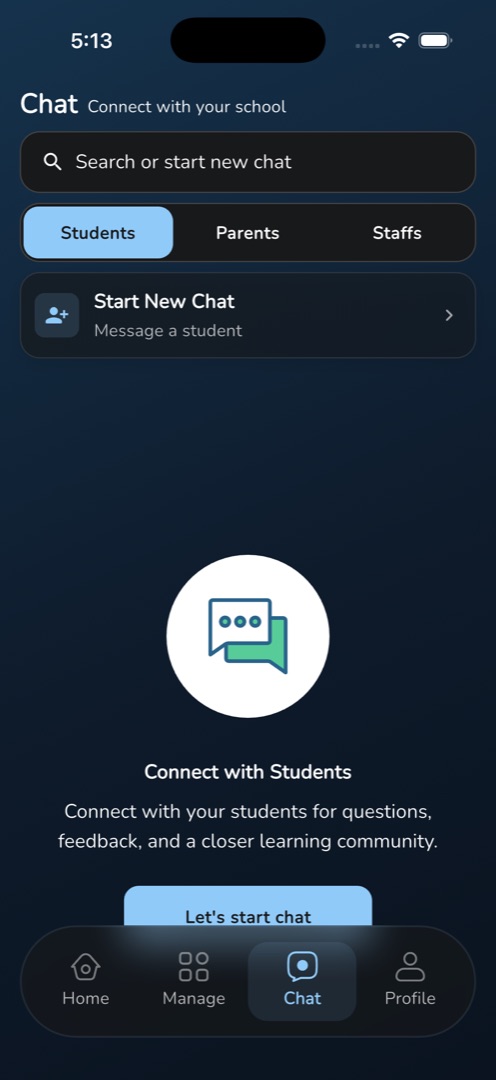
- Tap the Chat tab. The header reads Chat / Connect with your school, over a Search or start new chat box and the audience tabs — Students, Parents and Staffs for a teacher; Parents and Staffs for staff, opening on Parents.
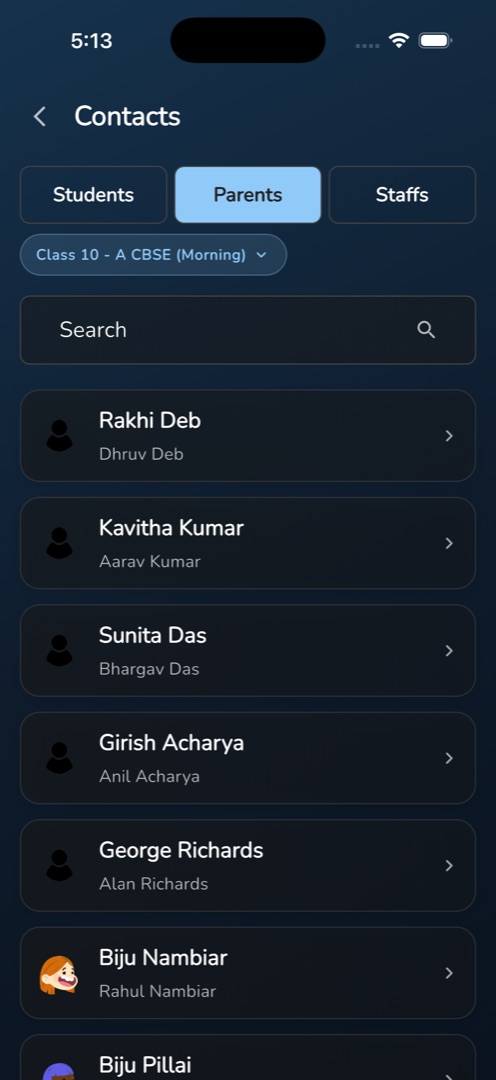
- Tap Start New Chat (its subtitle follows the tab: Message a student, Message a parent, Message a staff member). The Contacts screen opens with the same tabs.
- On Students and Parents a Class pill filters by class section and auto-picks your first class. Each tab has its own Search bar — type and press the search key, and use the ✕ to clear.
- On the Parents tab the card shows the guardian's name with the student's name underneath. Only students who have a guardian on record appear.
- Tap a person to open the thread.
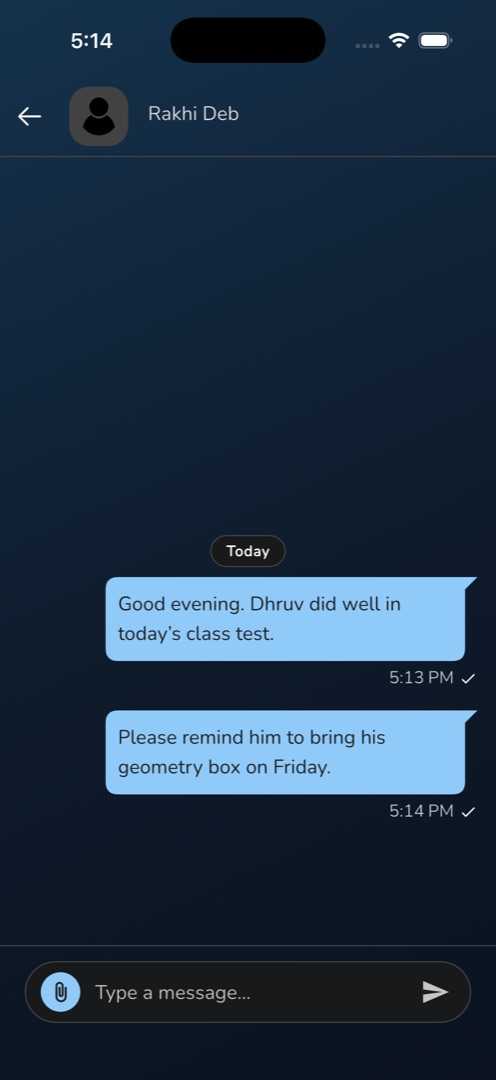
- Type into Type a message... and tap the paper plane. To attach, tap the paperclip and choose Document, Camera or Gallery; picked items sit above the input as thumbnails, each with an ×.
How do I delete a message I sent?
Long-press one of your own messages. The header becomes a selection bar reading N Selected with a bin icon; tick any more of your messages and tap the bin. They disappear at once — there is no confirmation, and no undo.
Rules and gotchas
- You can only delete your own messages. Long-press does nothing on one the other person sent.
- Messages group under Today, Yesterday or a date; your own carry one tick for sent and two for read.
- The Chat tab's search box filters only the conversations already loaded. To find someone new, use the Contacts screen's own search.
- Tapping send with nothing typed and nothing attached does nothing at all.
- Photos from Camera or Gallery are scaled down to 1000 × 1000. Documents can be any type and any size — be kind to a parent on mobile data.
- If Android permission is refused you get Permission Denied with a line naming the permission to enable in settings.
- A failed download shows Failed to download file in English whatever language the app is set to.