Take attendance by face scan in Circin Maestro
Open a face-scan session so students scan themselves in the Circin app, then stop the scan, mark whoever it missed, and submit the register.
Updated
Class Teacher
Also on Circin: Mark your attendance with a face scan in Circin
A face-scan session lets the class mark itself: students scan their own faces in the Circin app, and their phones' distance from yours decides who counts as present. Your phone never opens a camera — it opens the session and collects the result.
How do I run a scan?
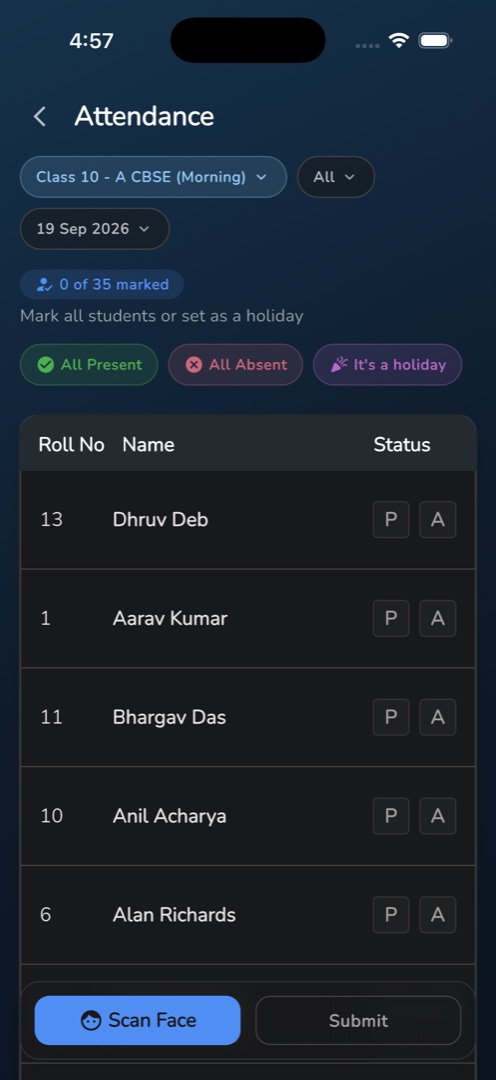
- Open Attendance from the Workspace group on Home. Check that the class pill shows the class in front of you and the date pill shows today — Scan Face exists on no other date.
- Tap Scan Face in the bottom bar. Allow location the first time you are asked: your position is the anchor every distance is measured from, so start the scan standing in the classroom.
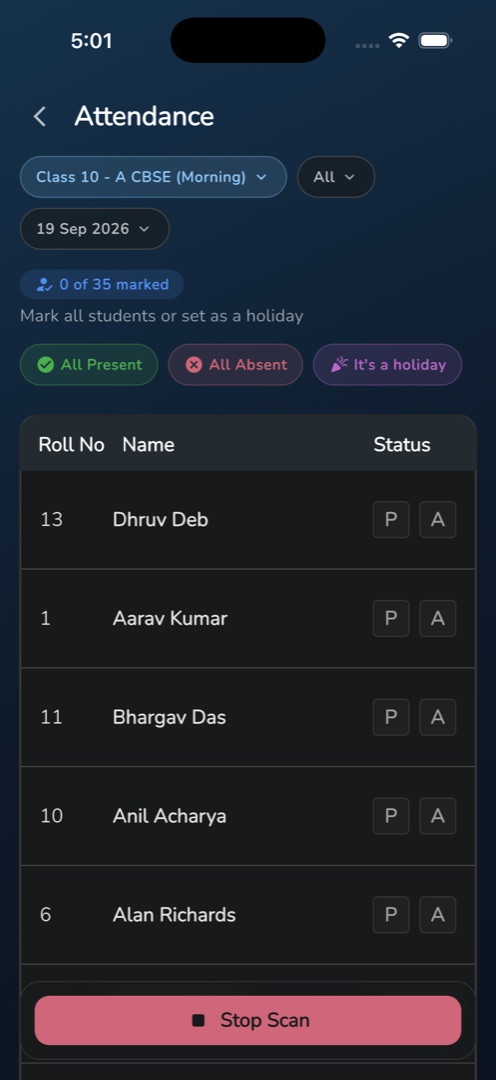
- The bottom bar becomes one red Stop Scan button. Once the session is live, students in that class get a push and scan in the Circin app. Nothing appears on your screen while they do.
- Tap Stop Scan. This is the one and only fetch of results — the app does not poll.
- Scanned students gain a caption such as 64.7m away • VERIFIED • 11s ago and their toggle is set for them: verified within 100 m becomes P; verified beyond 100 m, or flagged TOO_FAR, becomes A.
- Read the {n} of {m} marked chip. Students who never scanned still have no status — tap P or A on each of those rows.
- Tap Submit (or Save if the day already had a register). The snackbar reads Attendance Submitted Successfully.
Rules and gotchas
- Not scanning is not the same as being absent. The app never marks the rest for you, and Submit stays disabled until you do.
- Anything you toggled by hand is never overwritten by a later scan.
- Tap the status pill and choose Too Far to see only the students the scan put out of range.
- Stop Scan saves nothing. Nothing is written until you submit.
- You can scan again for latecomers while the date is still today.
- Location failures are explicit: Location services are disabled. Please enable GPS., Location permission is required to scan faces. or Could not get your location. Please try again.
Marking by hand is the same register, described in Take attendance in Circin Maestro.