Post an announcement to your class in Circin Maestro
Write an announcement for one of your class sections and a subject in Circin Maestro, with files or a link attached, and see what you have already posted.
Updated
Teacher
Class Teacher
A teacher's announcement in Circin Maestro is always scoped to a class section and a subject — it reaches those students and their guardians, for that subject. School-wide notices are the office's job.
How do I post one?
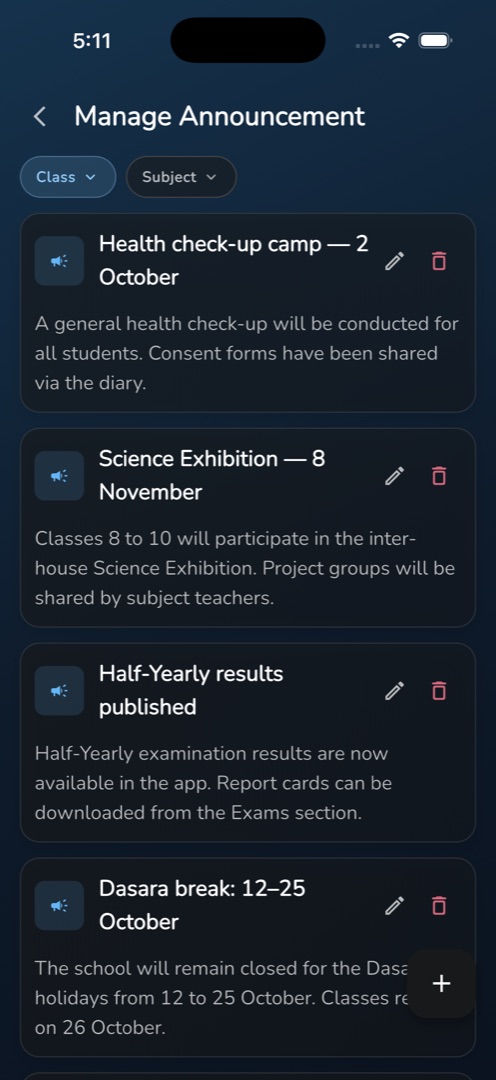
- From the Home tab's Workspace group tap Announcement, or from Manage → People & comms tap Manage Announcement. Both open the same list of everything you have posted, with Class and Subject pills to narrow it.
- Tap the + button. Add Announcement opens.
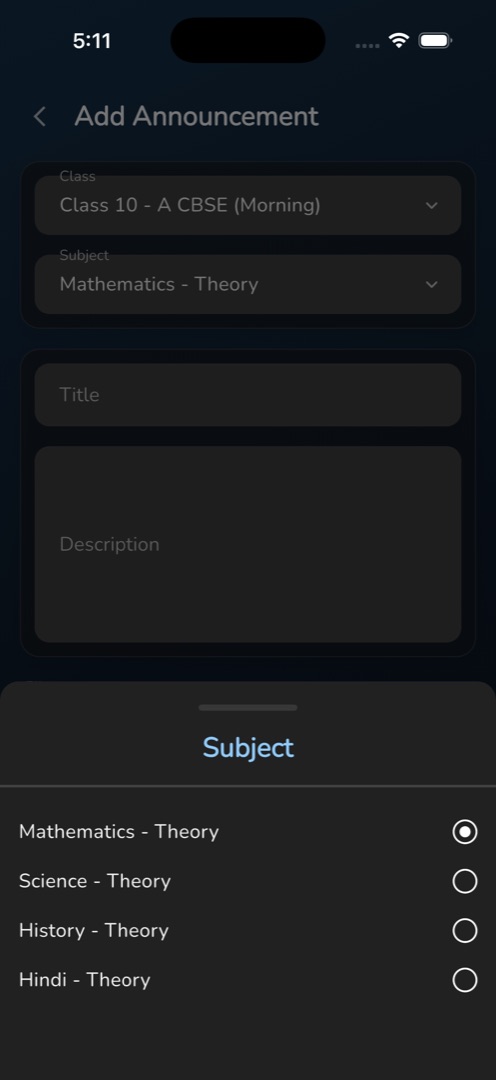
- On the first card, tap the Class row and tick one or more class sections, then tap the Subject row and pick one subject. Both default to your first class and its first subject.
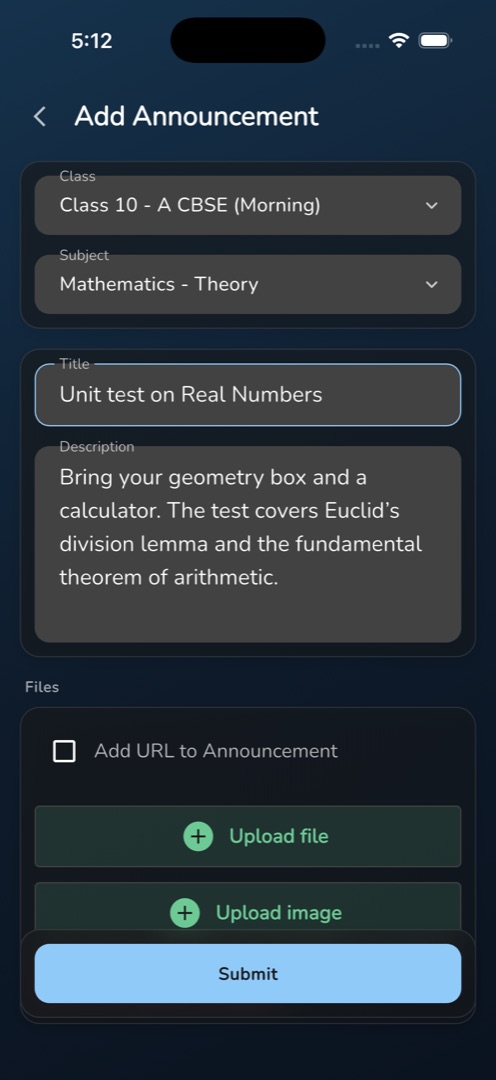
- On the second card, type a Title and a Description. Both are required.
- Under Files, tick Add URL to Announcement to reveal an Enter URL field, and use Upload file to attach documents or images. On iPhone and iPad there is a second Upload image button, with the note Note: Please note that only image or document files are allowed for upload.
- Tap Submit. You get Announcement Added Successfully, the fields clear, and the screen stays open for the next one.
- Tap the back arrow to return to the list, which refreshes with your new post.
Rules and gotchas
- The checks run in order, one message at a time: No Subject Selected, No Class Section Selected, Please Add Announcement Title, Please Add Announcement Description, and Please add a valid URL if you ticked the URL box and left it blank.
- Ticking several class sections in the form really does send to all of them. The Class pill on the list, though, filters by the first section you select only.
- Nothing warns you that Submit worked other than the message — the screen does not navigate away, so it is easy to submit twice. Check the list before reposting.
- A failure shows the server's own wording, which is not always friendly.
- The Manage Announcement tile in the Manage tab needs your school's Announcement module; the Home Announcement launcher does not.
Office staff post to whole class sections without a subject — see Send a school announcement from Circin Maestro.