Streams
Create an academic stream such as Science or Commerce in Circin — type a name and click Submit, then attach it to a class.
Updated
School Admin
A stream in Circin is a specialisation for senior classes, such as Science, Commerce or Arts. Streams are optional and, once created, can be attached to a class on the Class page.
How do I add a stream?
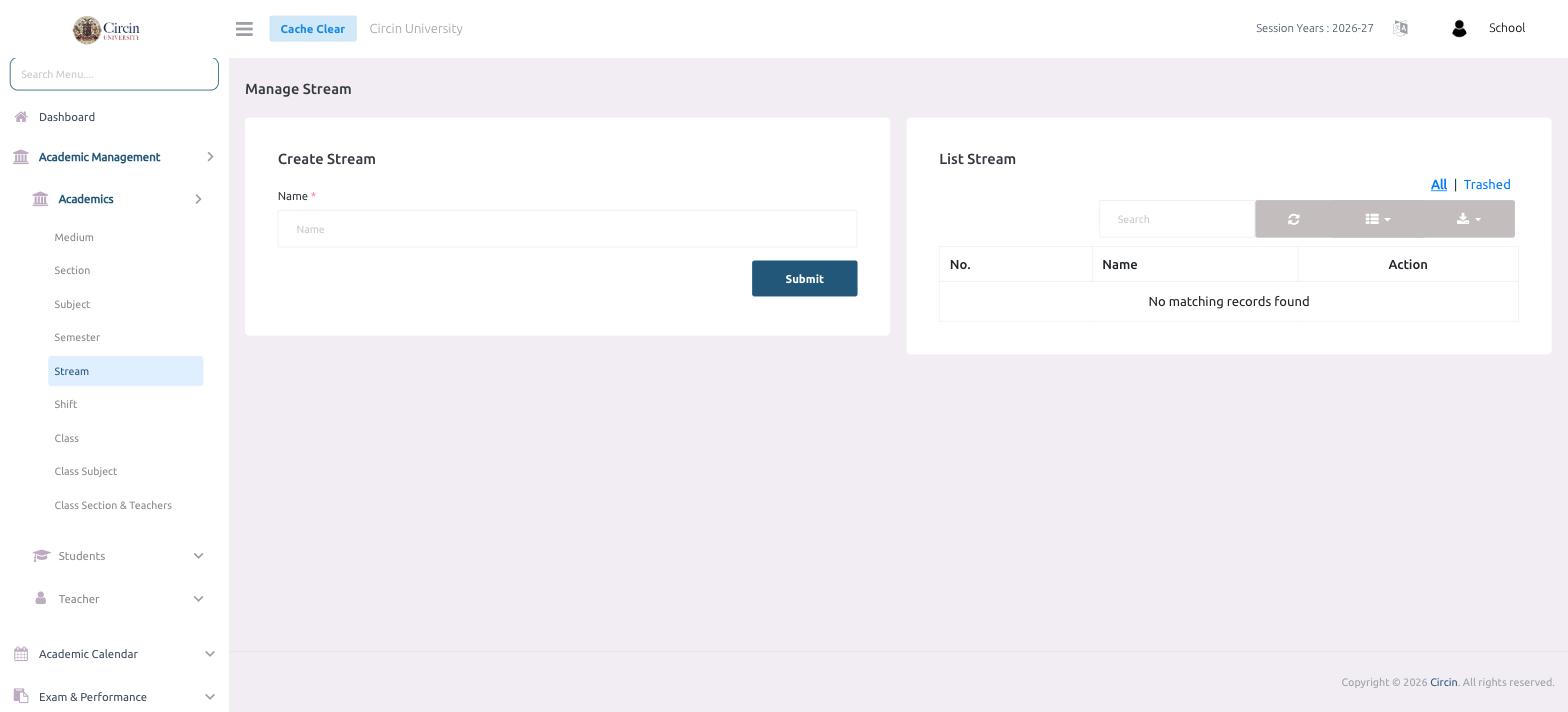
- In the left menu, open Academic Management → Academics → Stream. The page is titled Manage Stream.
- In the Create Stream panel, type the stream in the Name field.
- Click Submit.
The stream appears in the List Stream table on the right, which shows No., Name and Action columns. Before you add any, the list reads No matching records found.
How do I edit or remove a stream?
Each row has Action icons to edit or delete the stream, and the All / Trashed tabs switch between active and removed streams. Use the Search box to find one by name.