Contact inquiries
See the messages people send through your school's public contact form — name, email, subject and message — on the Contact Inquiry page.
Updated
School Admin
The Contact Inquiry page collects the messages people send through your school's public contact form, so you can read and follow up on them in one place. Open Contact Inquiry from the main sidebar — it is a top-level item, just below Settings.
How do I review contact inquiries?
- In the left sidebar, open Contact Inquiry (a top-level item, just below Settings). The page opens on Manage Contact Inquiries → List Contact Inquiries.
- Each inquiry appears in a table with No., Name, Email, Subject, Message and Date, plus an Action column.
- Use the All / Trashed toggle to switch between current and deleted inquiries, and the Search box to find a specific message.
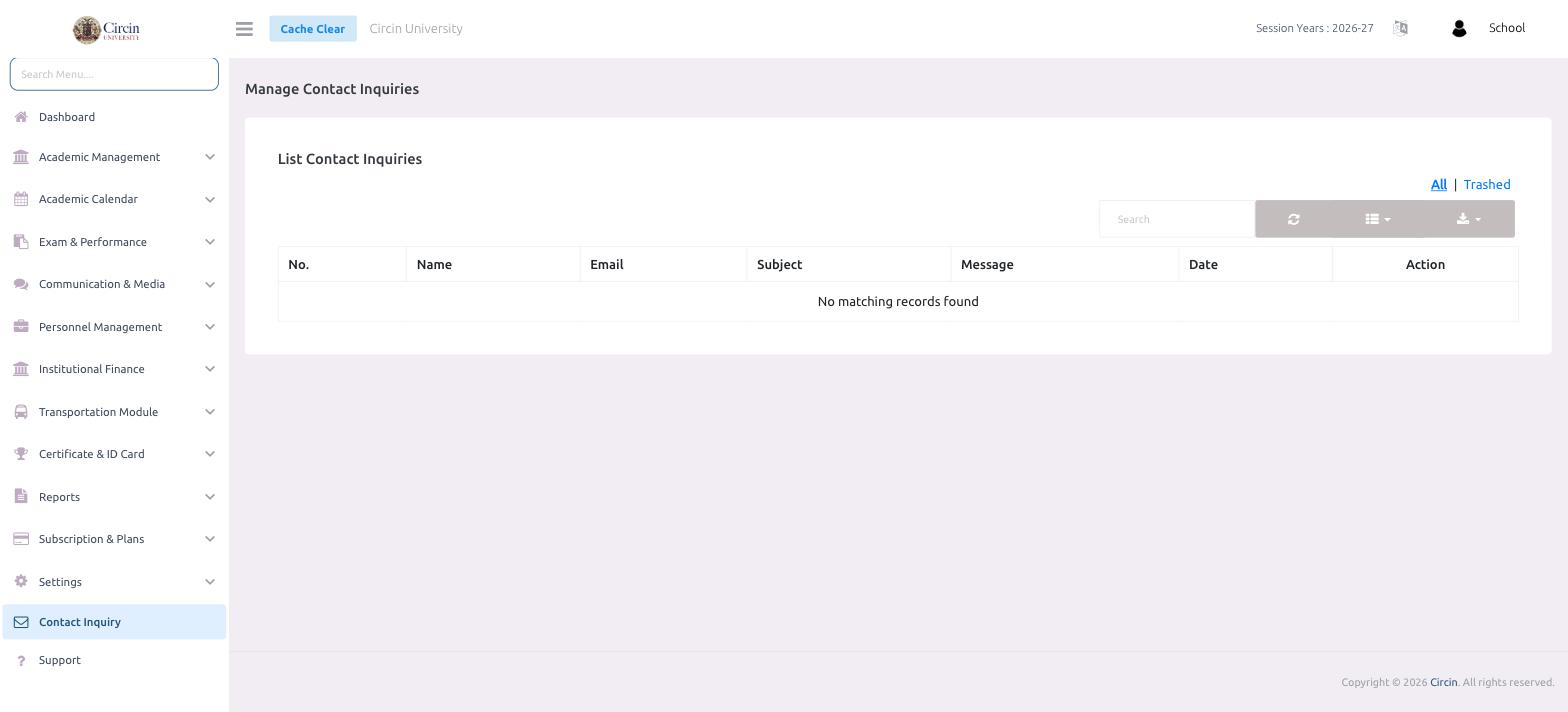
Why does it say "No matching records found"?
When no one has submitted the contact form yet — or nothing matches your search — the list is empty and shows No matching records found. New inquiries appear here automatically as they arrive.