Exam timetable
View an exam timetable in Circin by picking a class section and exam — each subject shows its date, times, total marks, and passing marks.
Updated
School Admin
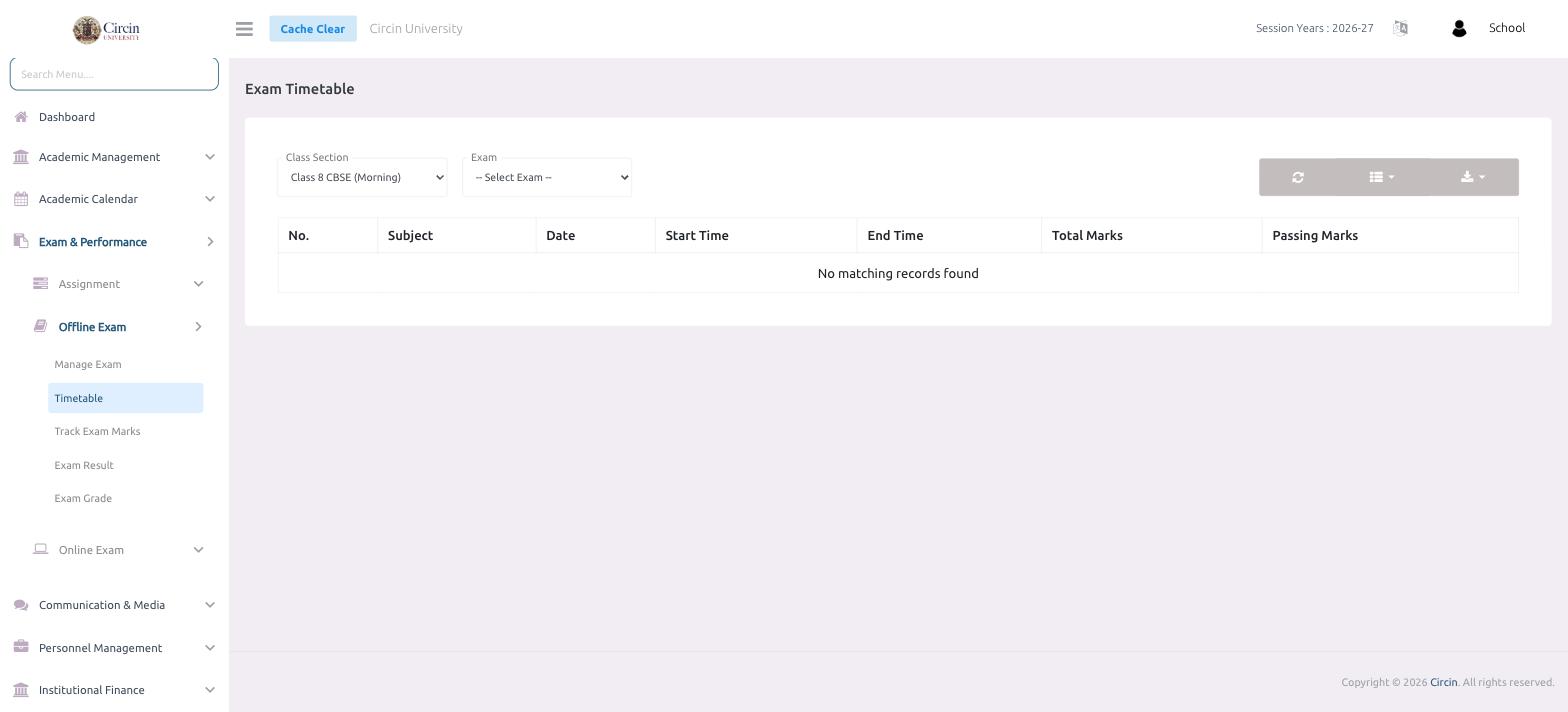
The Exam Timetable page in Circin lays out each subject's paper for a chosen exam: its date, start and end time, total marks, and passing marks. Pick a class section and the exam, and Circin shows that exam's schedule.
How do I view an exam timetable?
- In the left menu, open Exam & Performance → Offline Exam → Timetable.
- Choose the Class Section from the dropdown (for example, Class 8 CBSE (Morning)).
- Choose the Exam from the -- Select Exam -- dropdown.
The timetable loads in a table with these columns: No., Subject, Date, Start Time, End Time, Total Marks, and Passing Marks. If nothing has been scheduled yet, Circin shows No matching records found.
Tips
- The exam has to be created under Manage Exam first, and the class section needs subjects assigned, before a timetable can be scheduled.
- Use the toolbar icons on the right of the filters to refresh the list or export it.