Reset a password
Reset a student's login password in Circin from Students Reset Password — search for the student by name or admission number and reset from the Action column.
Updated
School Admin
Staff
When a student can't sign in, reset their password from Students Reset Password. Search for the student, then reset from the row's Action column.
How do I reset a student's password?
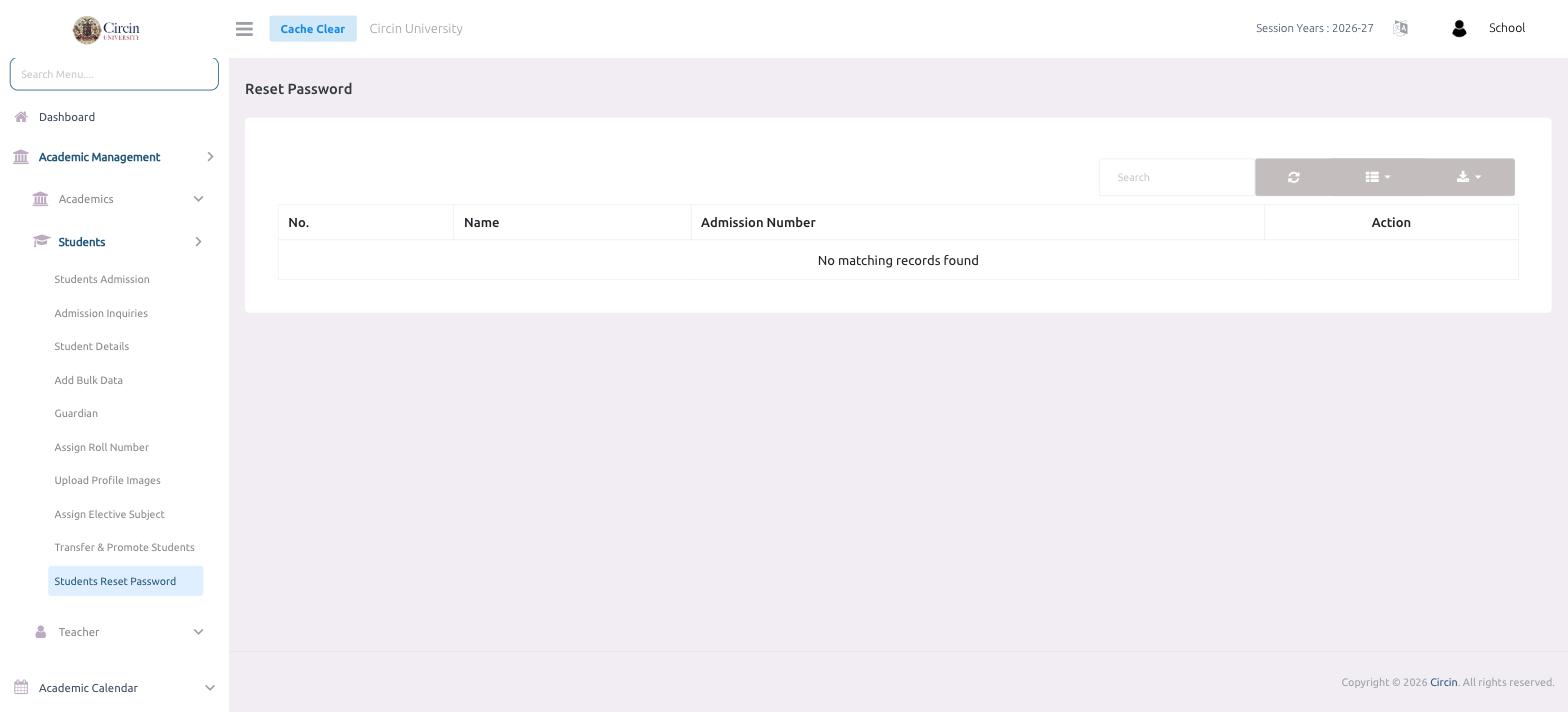
- Open Academic Management → Students → Students Reset Password. The Reset Password panel opens.
- Use the Search box to find the student by Name or Admission Number. (The list stays empty — No matching records found — until you search.)
- In the matching row, use the Action column to reset that student's password.
Note: This resets the password on the student's Circin login. Share the new credentials with the student securely.