Staff ID cards
Generate staff ID cards in Circin by selecting staff members from the list and printing cards from your saved staff card design.
Updated
School Admin
The staff ID card generator prints cards for your teachers and staff using the Staff design from ID Card Settings. Find the staff you need, tick them, and generate.
How do I generate staff ID cards?
- In the left menu, open Certificate & ID Card → Staff ID Card.
- On the Generate Staff ID Cards page, use the Search box to find staff if the list is long.
- In the List Staff table, tick the checkbox next to each staff member (or the header checkbox to select all).
- Generate the ID cards for the selected staff.
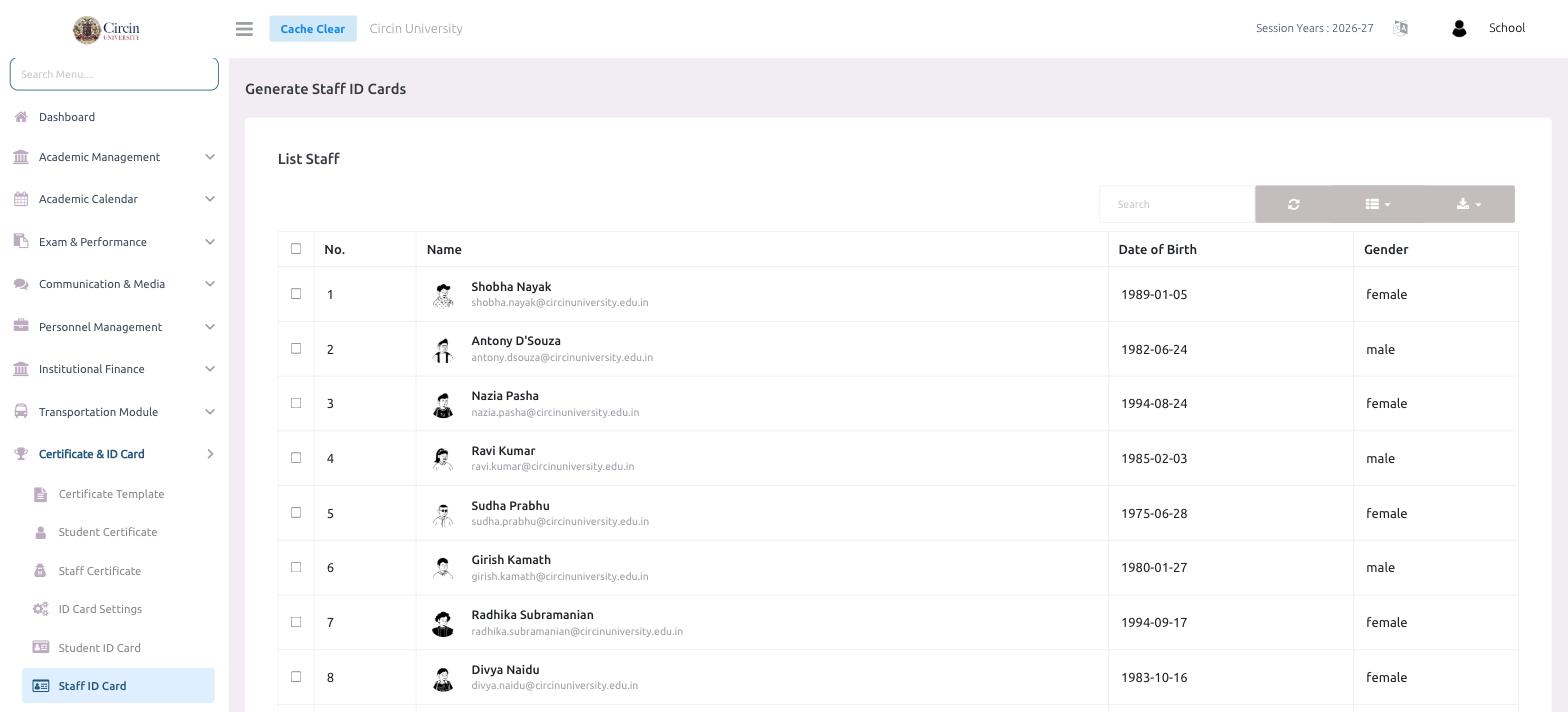
The table lists each staff member with No., Name, Date of Birth and Gender.
Tips
- The card's colours, fields and size come from the Staff design in ID Card Settings — switch to Staff there before saving.