Track marks
See which exams still need marks entered in Circin — the Track Exam Marks list shows every exam with its marks submission status so nothing is missed.
Updated
School Admin
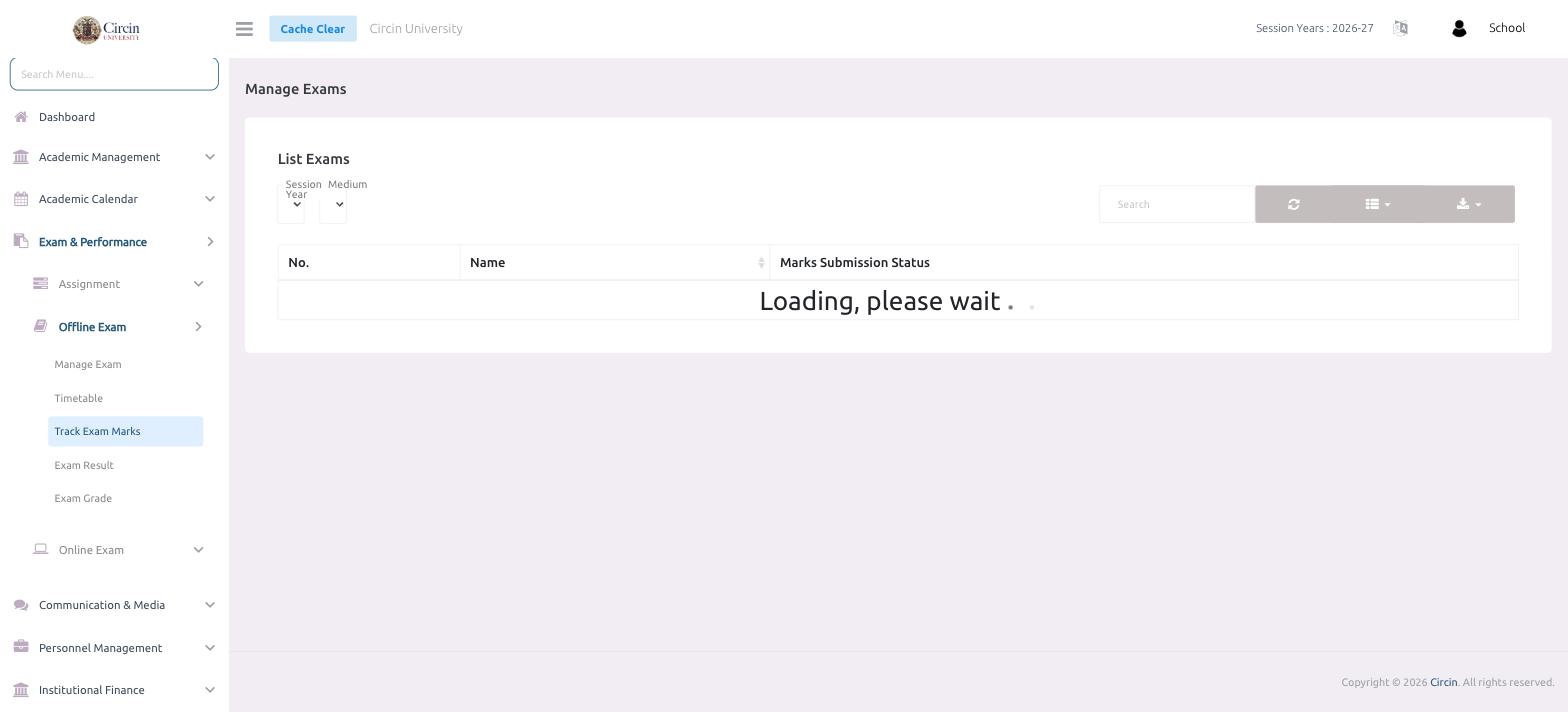
Track Exam Marks gives you one place to see whether marks have been entered for each exam. The list shows every exam alongside its Marks Submission Status, so you can chase down any subject or class that's still pending before results are published.
How do I check marks submission?
- In the left menu, open Exam & Performance → Offline Exam → Track Exam Marks.
- Under List Exams, filter by Session Year or Medium, or use the Search box to find a specific exam.
The table lists No., Name, and Marks Submission Status for each exam.
Tips
- Use the status column to spot exams where marks are still incomplete — publish an Exam Result only once every subject's marks are in.