Add-ons
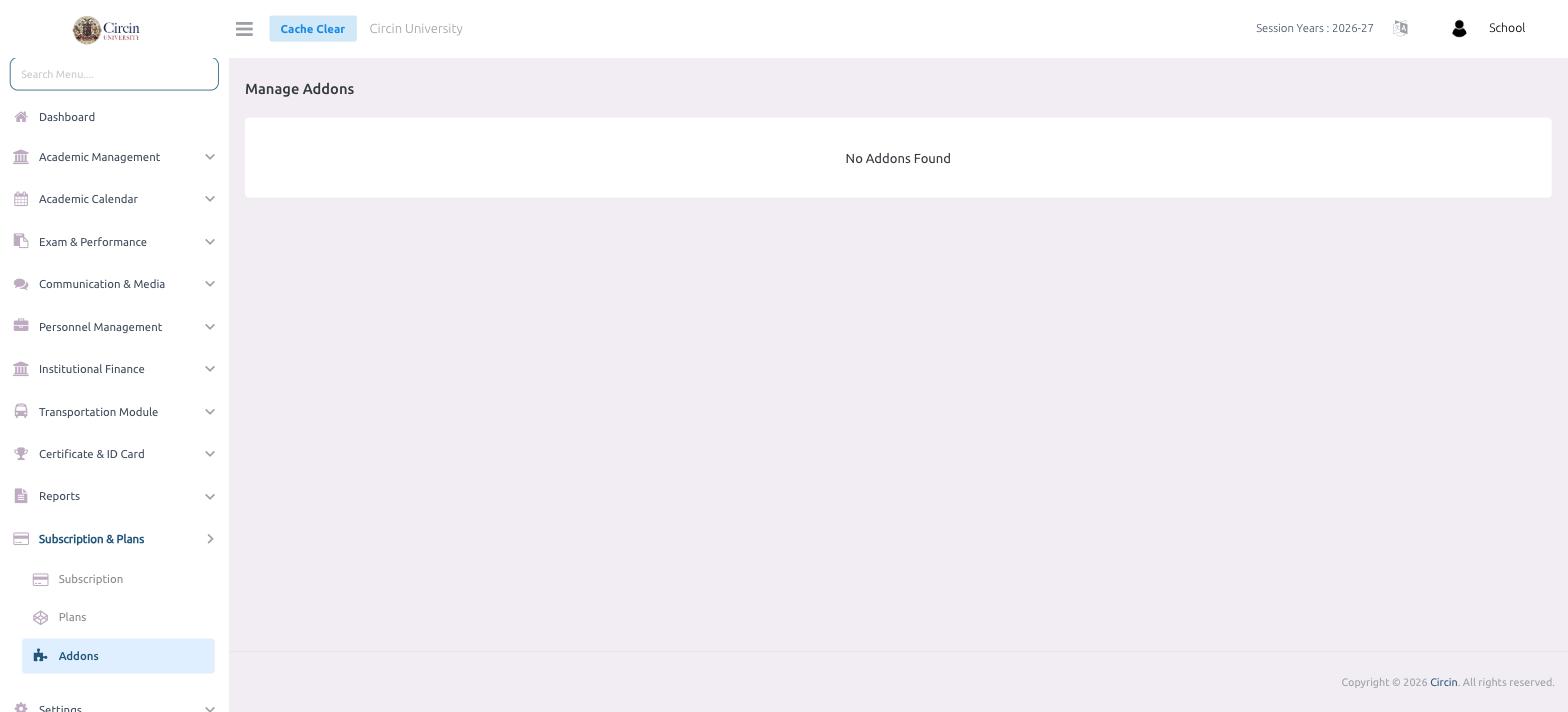
Open Subscription & Plans then Addons to see any optional add-ons available on top of your plan; when none exist it reads No Addons Found.
Updated
School Admin
The Addons page is where optional extras available on top of your subscription plan appear. When your school has none, the page simply reads No Addons Found. Open it from Subscription & Plans → Addons.
How do I open the add-ons page?
- In the left menu, open Subscription & Plans, then click Addons. The page opens on Manage Addons.
- Any add-ons offered for your plan are listed here. If there are none, Circin shows No Addons Found in the centre of the page.
Why do I see "No Addons Found"?
Add-ons are optional modules made available on top of a plan. If none have been assigned to your school, the list stays empty and the page reads No Addons Found — that is expected, not an error. Everything included in your plan is shown on the Subscription and Plans pages instead.