Optional fees
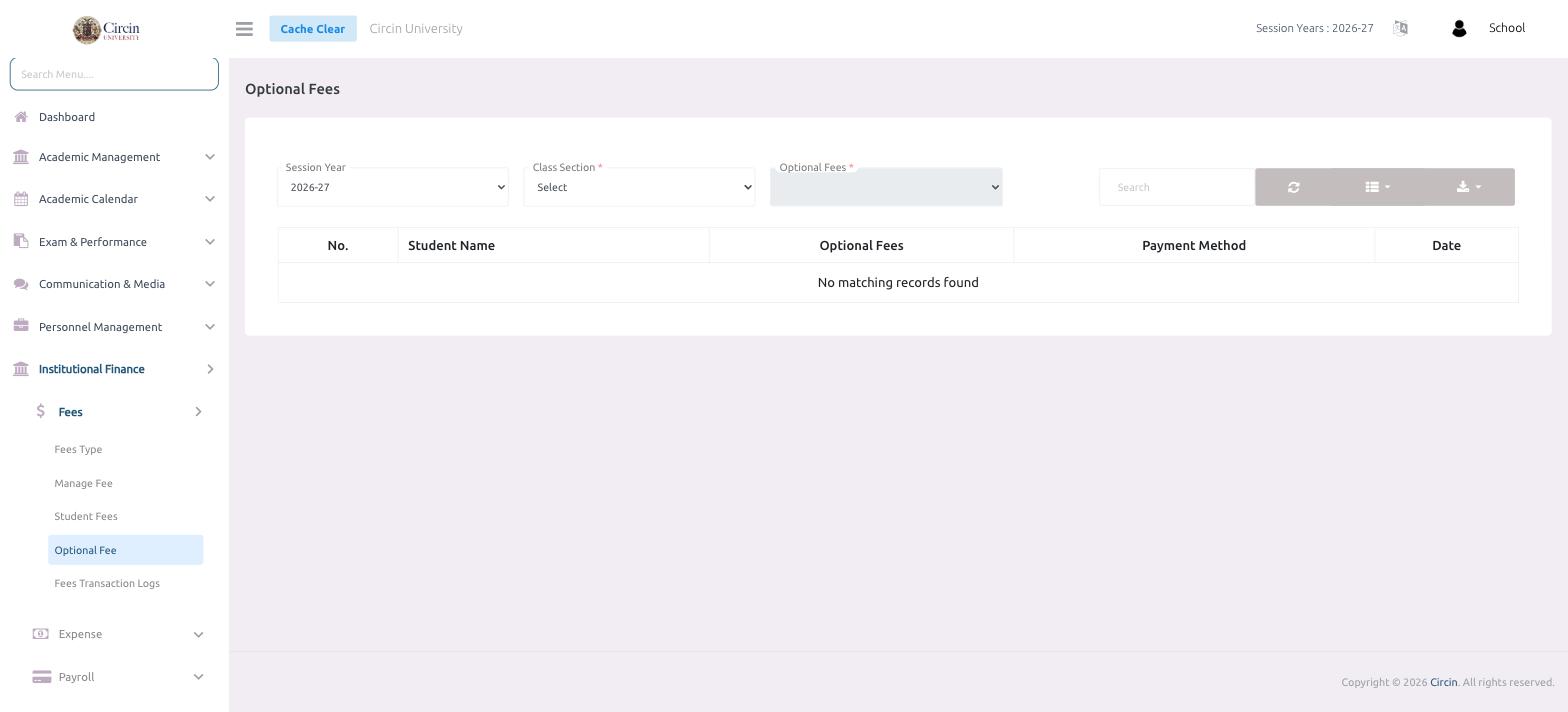
Review who has taken up optional fees in Circin — filter by session year, class section, and optional fee to see each student's payment and date.
Updated
School Admin
Optional fees are charges families can choose to pay on top of the compulsory plan. The Optional Fees screen lets you filter by class and fee to see which students have taken one up.
How do I look up optional fees?
- In the left menu, open Institutional Finance → Fees → Optional Fee.
- Choose the Session Year.
- Pick a Class Section (required), then choose the Optional Fees head (required) to filter by.
- The table lists each No., Student Name, Optional Fees, Payment Method and Date. When nothing matches your filters it shows No matching records found.
Tips
- Both Class Section and Optional Fees are required before results appear, so set them together.
- Use the Search box and the export button to filter and download the list.