Teacher timetable
Open Teacher Timetable in Circin to see any teacher's weekly schedule as a Monday-to-Sunday grid, built from the class timetables you generated.
Updated
School Admin
The Teacher Timetable page shows a teacher's week at a glance — the periods they teach across each class, laid out from Monday to Sunday. It is built from the class timetables you generate, so once a section's schedule is in place each teacher's grid fills in automatically.
How do I open the teacher timetable?
- In the left menu, open Academic Calendar → Timetable → Teacher Timetable.
- The page loads the teacher schedule grid — while it fetches data it shows Loading, please wait.
- Read across each row to see that teacher's periods for every day of the week.
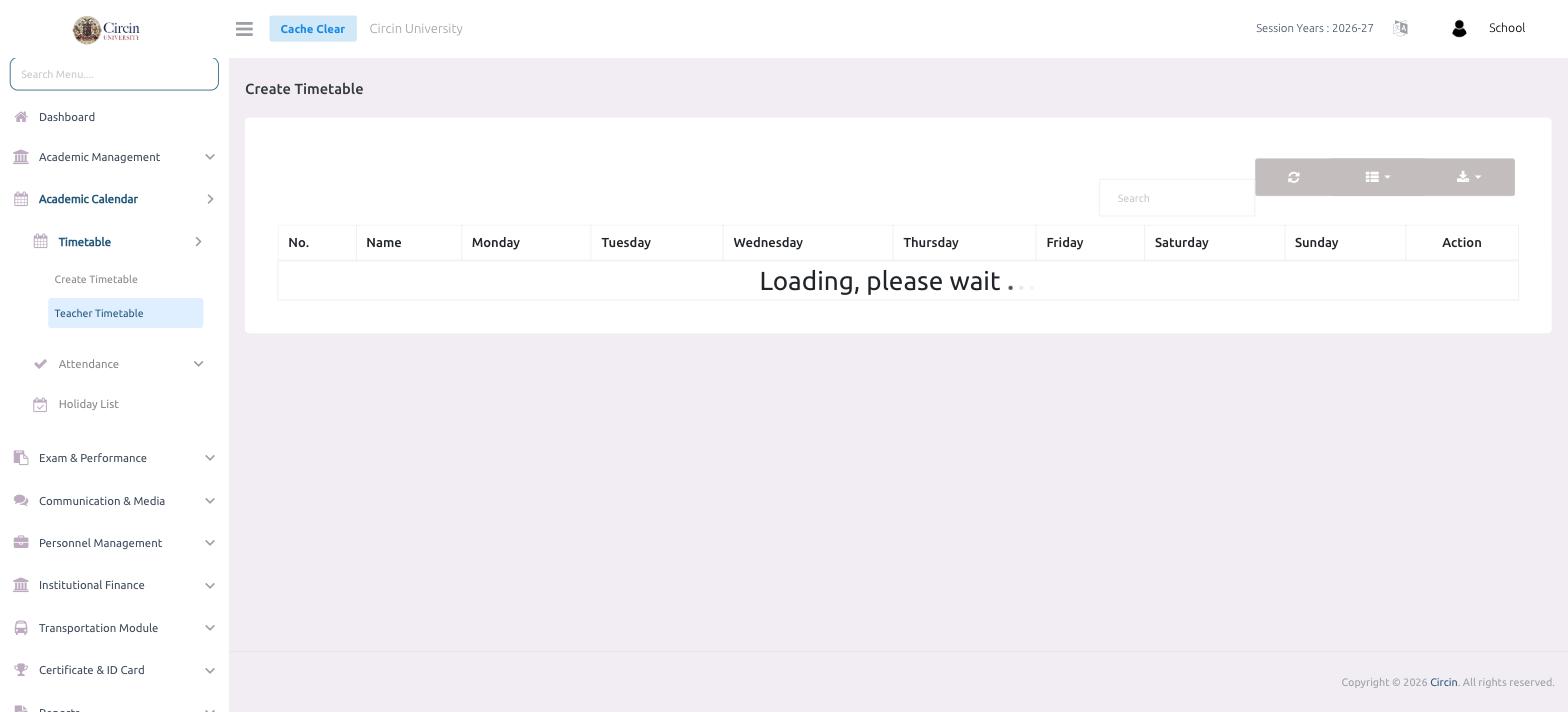
What columns does it show?
The table has a No. column, a Name column for the teacher, one column for each day — Monday, Tuesday, Wednesday, Thursday, Friday, Saturday and Sunday — and an Action column. Use the Search box to find a specific teacher, and the toolbar icons to refresh, switch the column view or export the schedule.