Monthly register
Open the Month Wise attendance view in Circin, choose a class section and month, and see the whole month's attendance for every student in one register.
Updated
School Admin
Class Teacher
The Month Wise view is the monthly attendance register — pick a Class Section and a Month, and Circin shows every student in that section with their attendance across the whole month. It is the quickest way to review a class's pattern or share a summary with parents.
How do I open the month-wise register?
- In the left menu, open Academic Calendar → Attendance → Month Wise.
- Choose the Class Section from the dropdown.
- Choose the Month, for example January.
- Circin loads the register for that class and month, listing each student by Roll Number and Student Name.
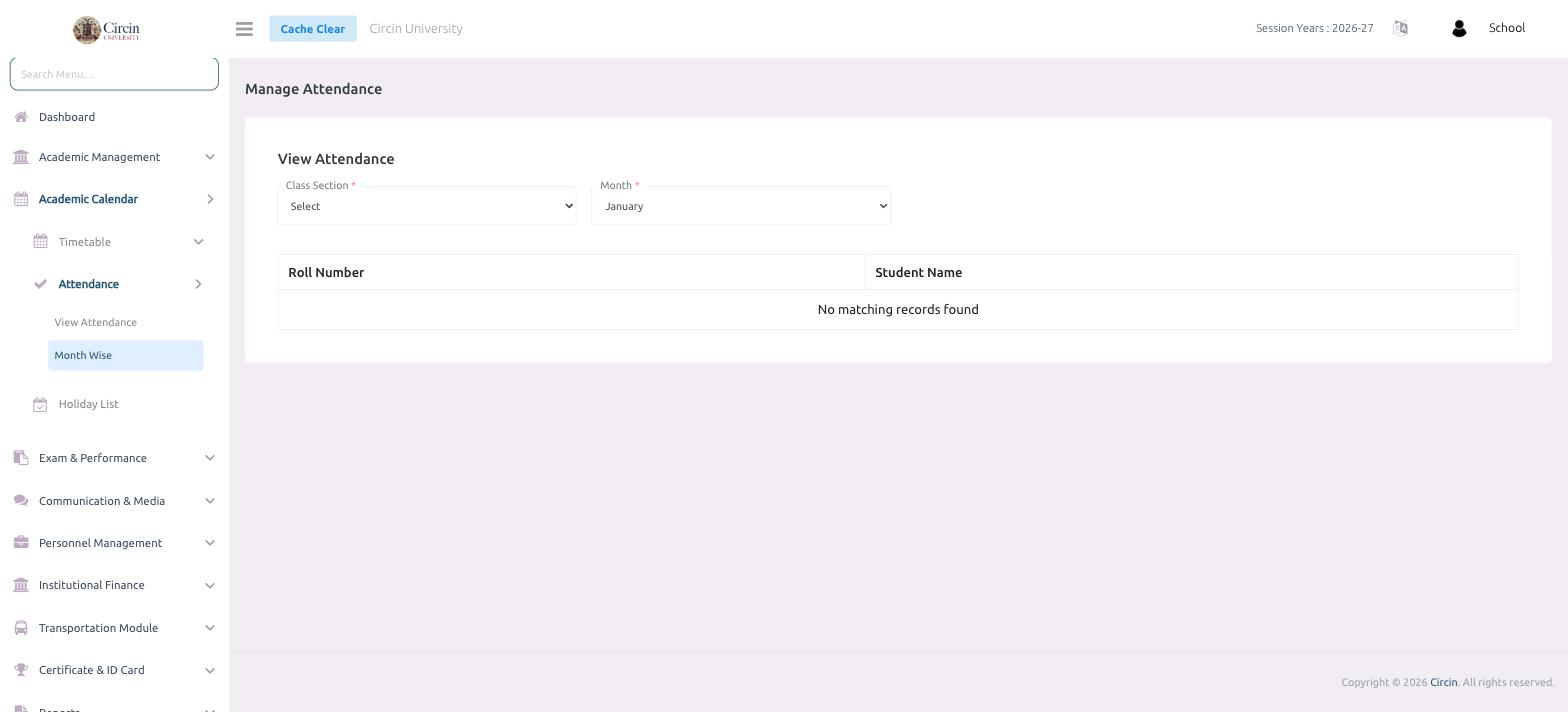
What if it shows "No matching records found"?
Both the Class Section and the Month are required. Until you pick a class section, Circin shows No matching records found — choose one and the month you want, and the register fills in. If a month is still empty, no attendance has been taken for that class yet in that month.